

When ChatGPT Ads first launched in Europe, we immediately started looking into the topic. We wanted to understand how the system works and what it could mean for businesses, so we gathered everything advertisers should know at this stage.
ChatGPT Ads are now available in Europe!
If you run a business, you have probably already noticed how quickly ChatGPT is changing the way people search for products and services. Instead of browsing through dozens of websites and gathering information themselves, they ask one specific question and continue the conversation from there. They ask about companies, compare solutions, prices and offers.
ChatGPT Ads campaigns give advertisers the opportunity to appear in this new environment, where users are already searching and making decisions in a very different way. ChatGPT Ads are now available across Europe, and the good news is that the market is only beginning to learn how this channel will work in practice.
At Rodin, we don’t want to wait for someone else to tell us how to run campaigns in ChatGPT. We want to understand the system from the start, test different approaches and build our own experience. For us, this is one of those moments in marketing when getting involved early can give businesses more insight than simply following what everyone else is already doing.
What are ChatGPT Ads?
Not every business owner follows the latest developments in artificial intelligence, and there is nothing unusual about that. If you run a business, you probably have more important things on your mind than checking which new advertising systems have just entered the market.
ChatGPT Ads is an advertising system from OpenAI that allows businesses to display ads to people using ChatGPT.
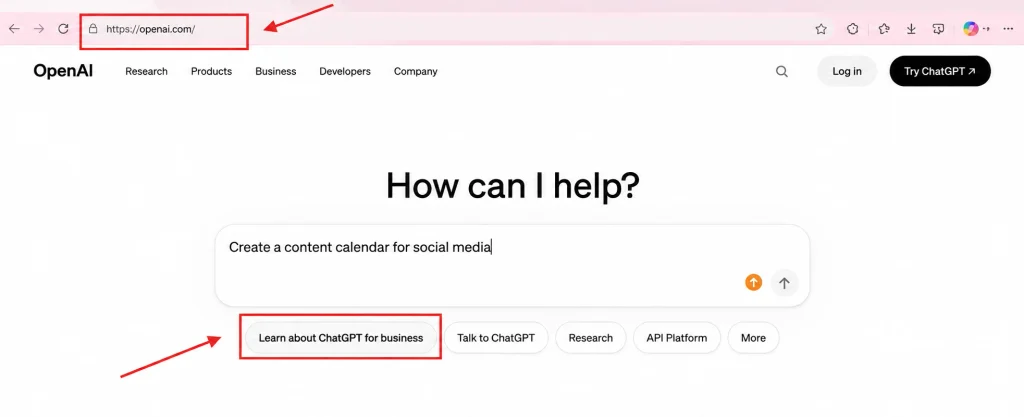
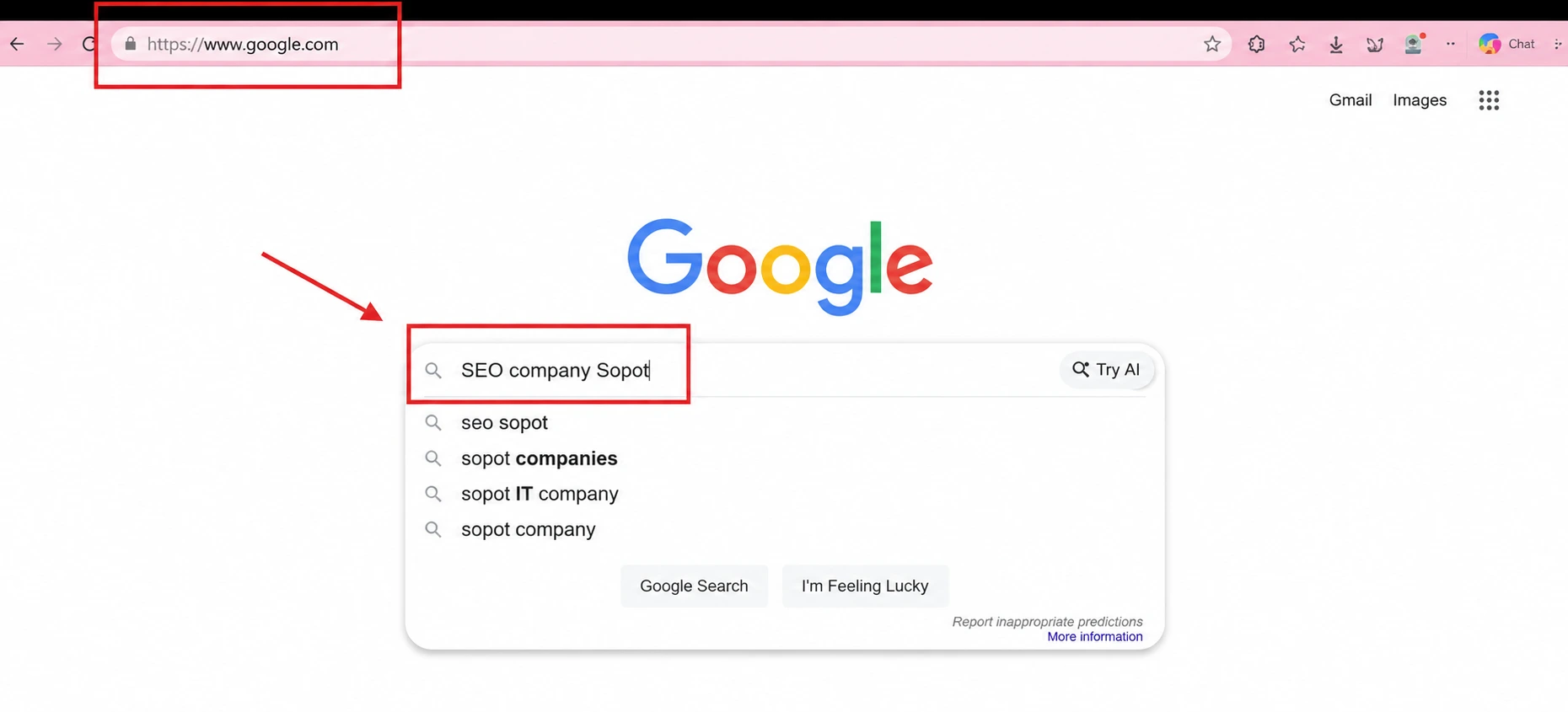
The difference starts with the moment when a user searches for information. In a traditional search engine, they might type:
In ChatGPT, they can write:
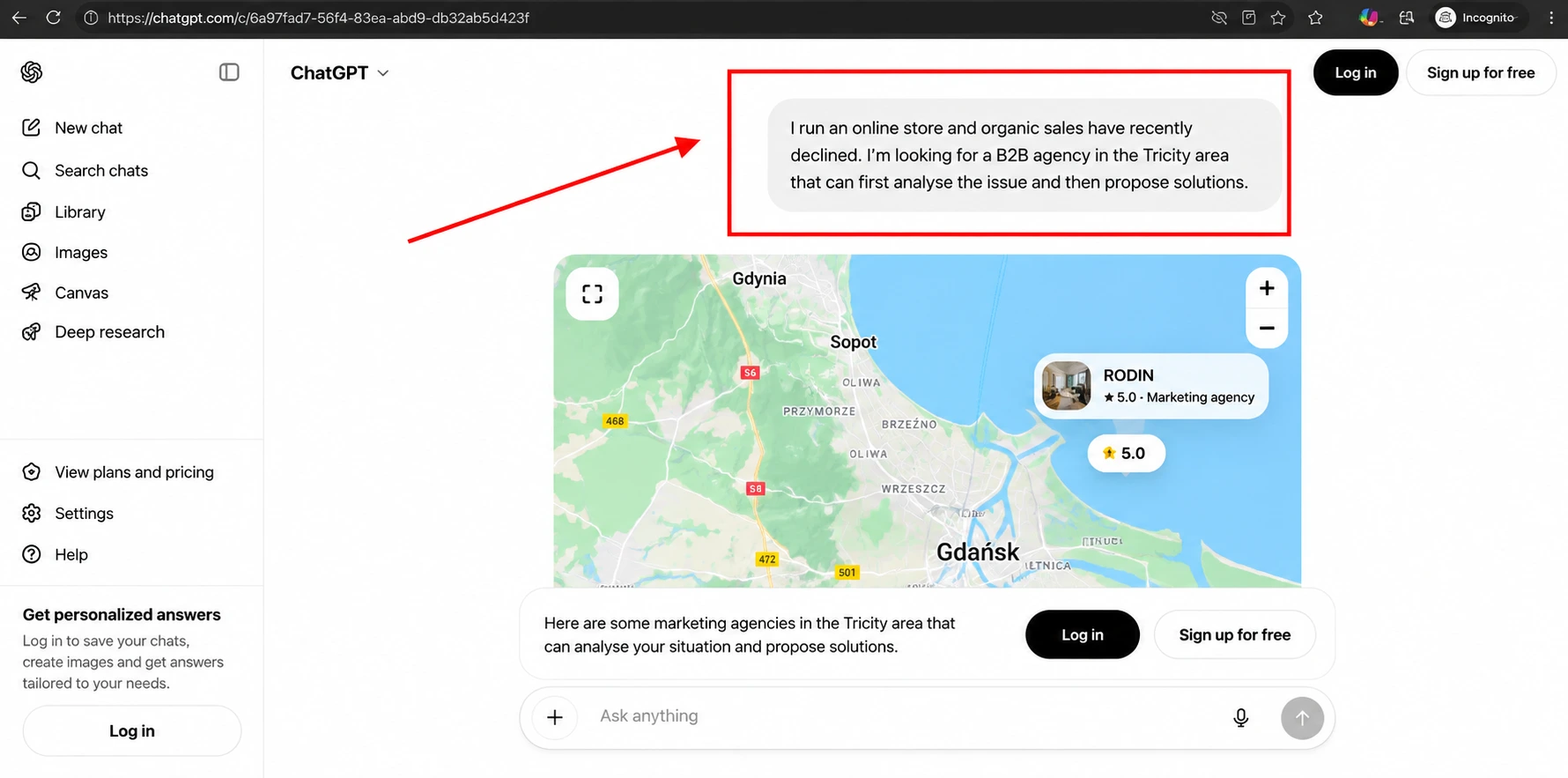
This completely changes the way we think about advertising. Users are not limited to a few words entered into a search box. They can describe their situation, explain a problem and tell ChatGPT what they are looking for. What we have here is a form of dialogue, which is fundamentally different from the one-way search process we know from traditional search engines.
ChatGPT Ads uses, among other things, the context and intent of the ongoing conversation, as well as information related to the ad itself and its landing page. Advertisers can also indicate topics or conversation contexts in which their offer may be relevant.
But there is an important distinction. This should not be treated like traditional keywords in Google Ads. Specifying a particular topic does not mean that the ad will appear next to every query related to it.
As an advertiser, you therefore do not focus solely on choosing the exact phrase you want your ad to appear for. Instead, think more broadly: What is the user trying to achieve? What are they looking for? What problem are they trying to solve? At what point in the conversation could your offer be the answer?
How to Get Started with ChatGPT Ads?
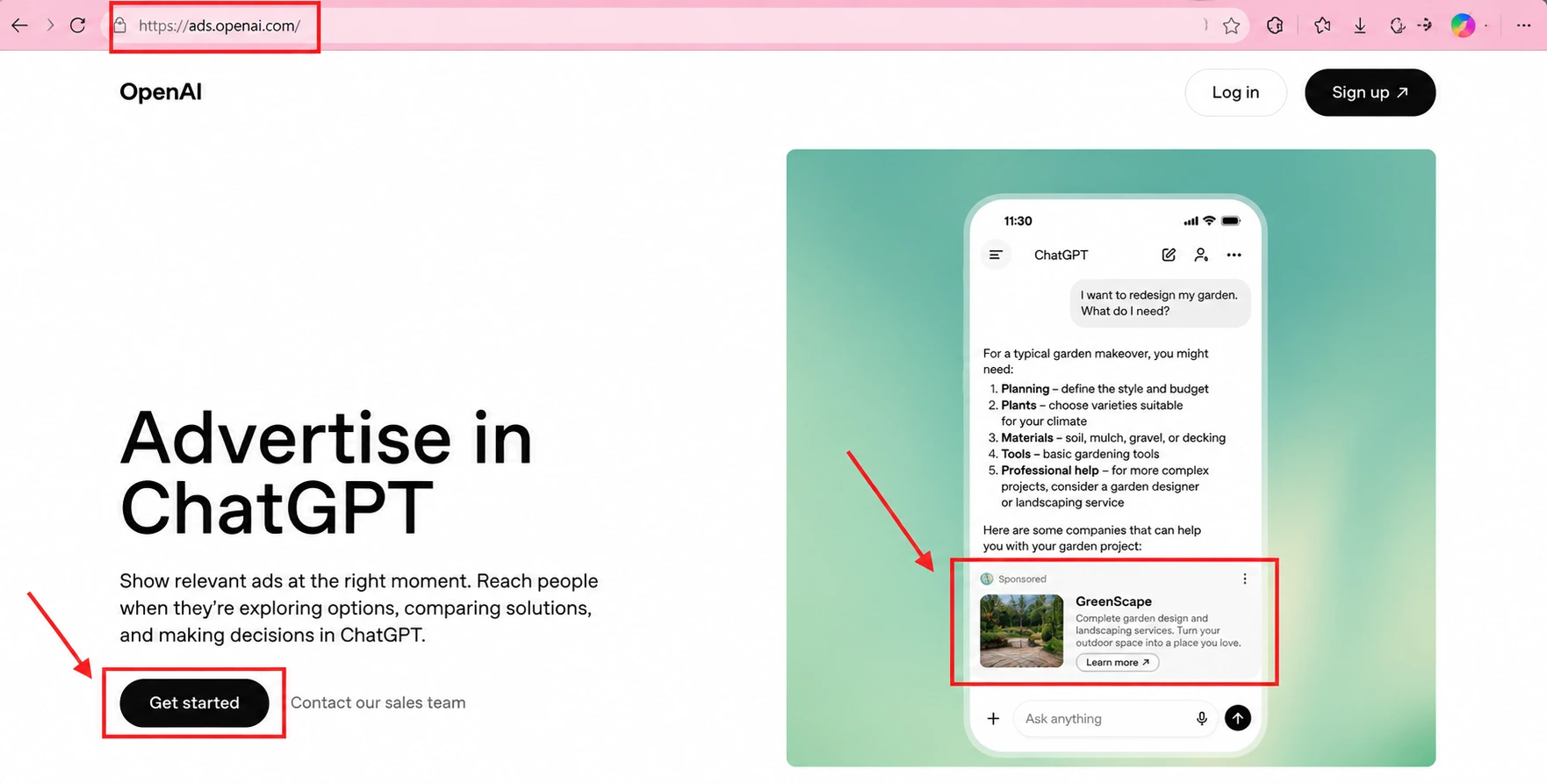
Your first ChatGPT Ads campaign does not require you to work across several different systems. OpenAI guides advertisers through the entire process within OpenAI Ads Manager Beta.
The official process can be broken down into three steps: creating an account, setting up and launching your campaign, and monitoring its performance. The setup itself is guided step by step, but before you begin, it is worth having the basics clearly defined: what you want to promote, who you want to reach and where you want users to land after clicking your ad.
Source: Open AI Ads
1. Create an account in OpenAI Ads Manager Beta
First, log in with the OpenAI account associated with your business email address or create a new account. Then configure the basic account settings: add your brand logo, set your billing profile and complete the verification process. You can also invite other members of your team to Ads Manager to work on your campaigns.
It is a good idea to organise these things from the start. Who will have access to the account? Who will be responsible for the campaigns? Who will analyse the results? Once you start running larger campaigns, these details quickly become important.
2. Create a campaign and prepare your ads
Once your account is configured, you can start creating a campaign. OpenAI currently offers two ways to work: you can go through the entire process step by step directly in Ads Manager Beta, or prepare multiple campaigns in bulk using a ready-made template.
The entire system is built around three levels: CAMPAIGN → AD SET → AD.
First, you define the framework for the entire campaign, such as the goal, budget, dates and targeting. Then you move on to ad sets, where one of the most important parts of the process happens. This is where you describe the topics and contexts in which your offer could be relevant to the user. Only after that do you prepare the ad itself: its headline, description, creative and landing page.
This is where, in our view, the real work of an advertiser begins. Before creating your first ad set, you need to understand your offer well. What are you selling? What specific problem does it solve? What makes it different? How could ChatGPT talk about it? And where should the user land after clicking the ad?
In ChatGPT Ads, these questions matter because at the ad set level you can add contextual guidance describing the types of conversations in which your ad could be relevant. So forget the idea that it is enough to choose a phrase and wait for the ad to appear. The goal is to understand how the user thinks and consider in which situation your offer could genuinely become part of the conversation.
This could be one of the biggest changes in the way campaigns are prepared. Instead of starting with the question, “What keywords do we want to appear for?”, you start thinking about which conversations could lead to the moment when a user needs exactly what you offer.
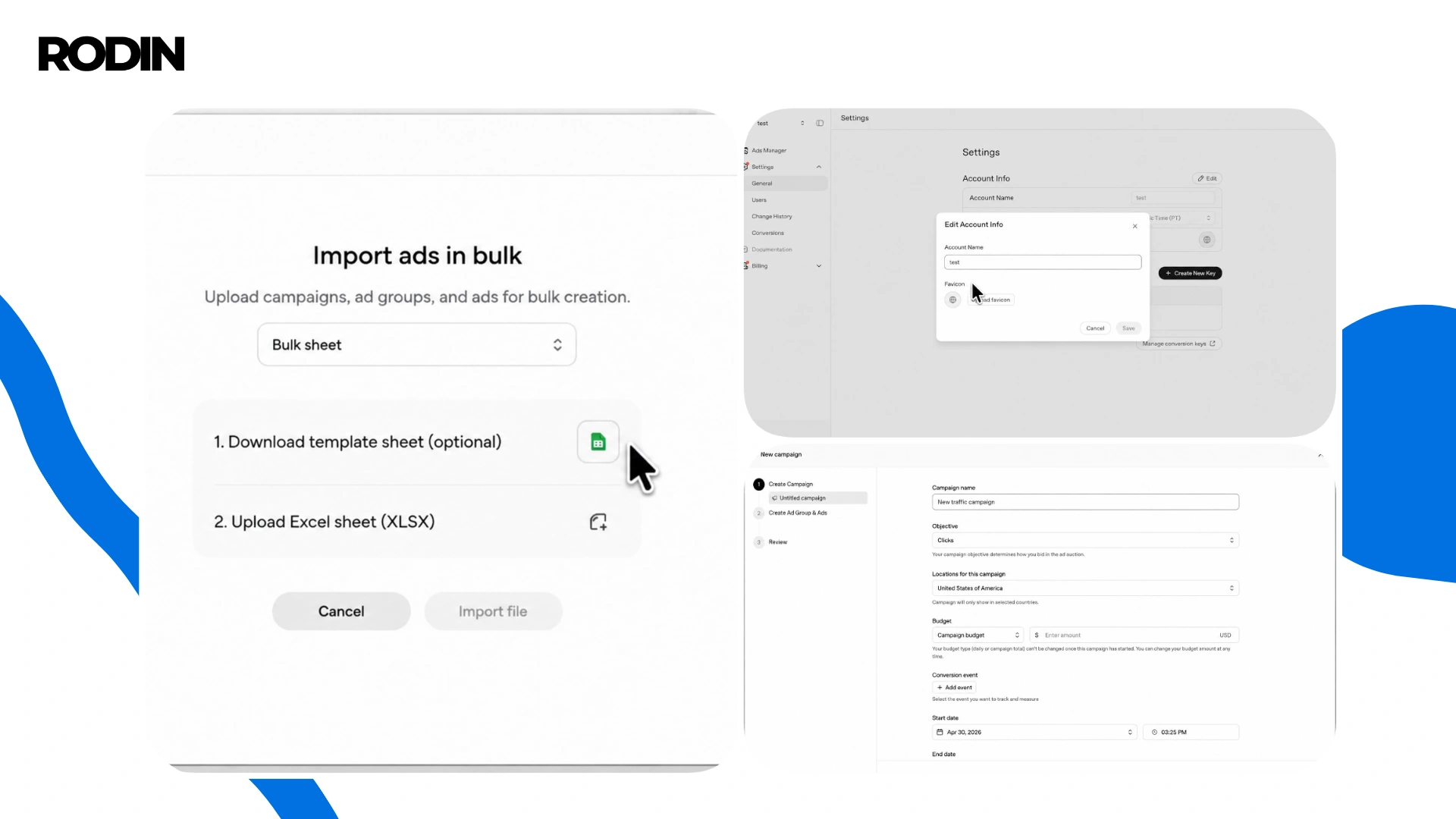
Source: English-language video material presenting how ChatGPT Ads Manager works (OpenAI video on YouTube).
3. Launch your campaign and monitor the results
Once your campaign is ready, you submit it for review. When it is approved, the first thing to check is whether your ads have actually started running. Ads Manager Beta lets you monitor the campaign status in real time. If an ad is marked “Not delivering”, the system usually shows the reason. In some cases, you may need to edit the ad or resubmit it. In others, the issue may be related to advertising policies, account or business verification, or billing.
Once the campaign starts running, the first data begins to appear. Ads Manager Beta currently lets you track metrics including:
- impressions,
- clicks,
- spend,
- CTR,
- average CPC,
- average CPM,
- conversions,
provided that conversion tracking has been configured beforehand. Results can be analysed at campaign, ad set or individual ad level.
This is where we recommend keeping a little perspective. A high number of clicks alone does not mean that a campaign is effective. If users reach your website but do not submit enquiries, buy your product or take the action you want, you need to find out where the problem occurs.
Remember!
Don’t treat your first results as the final verdict. ChatGPT Ads is a new channel, which means you need to observe, test and improve. You can adjust campaigns, ad sets and individual ads, then use the data collected over time to see which approaches deliver better results. OpenAI also provides tools such as tables and charts showing how results change over time, as well as data exports to CSV.
Where will users see your ad?
ChatGPT ads appear below ChatGPT responses. They are clearly labelled as sponsored content and visually separated from responses generated by the assistant. Advertisers do not influence the content of the ChatGPT response itself or what the assistant says to the user.
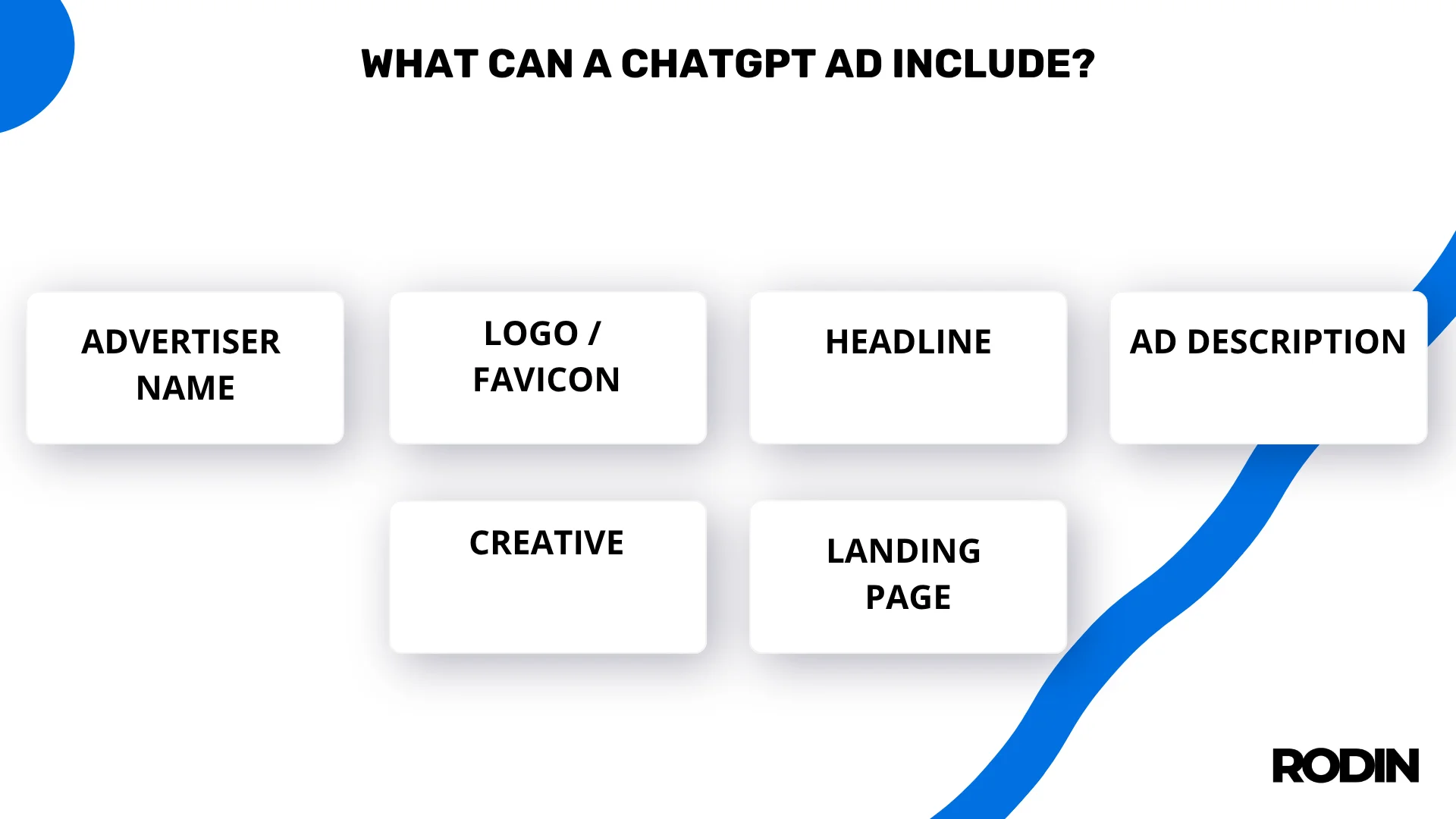
From an advertiser’s perspective, the entire user journey matters. The user starts a conversation, sees your ad, clicks it and reaches the landing page. The ad copy, the context in which it appears and the page the user reaches after clicking should work together. If someone first describes a specific problem and then sees your company’s ad, they should quickly understand what you offer and why your solution may be relevant to what they are looking for.
The landing page plays an important role here. If the ad relates to a specific product, service or solution, it is better for the click to take the user directly to a page related to that topic. They should not have to search through the entire company website for the information they need. The greater the consistency between the conversation, ad message and landing page, the more likely the user is to take the next step.
Why could ChatGPT Ads be such an interesting channel?
What fascinates us most about ChatGPT Ads is the way an ordinary conversation can gradually lead a user towards a purchasing decision. Someone comes to ChatGPT with a problem, asks one question, then another. They try to understand their situation, look for solutions, compare options and eventually start thinking about which one best fits their needs.
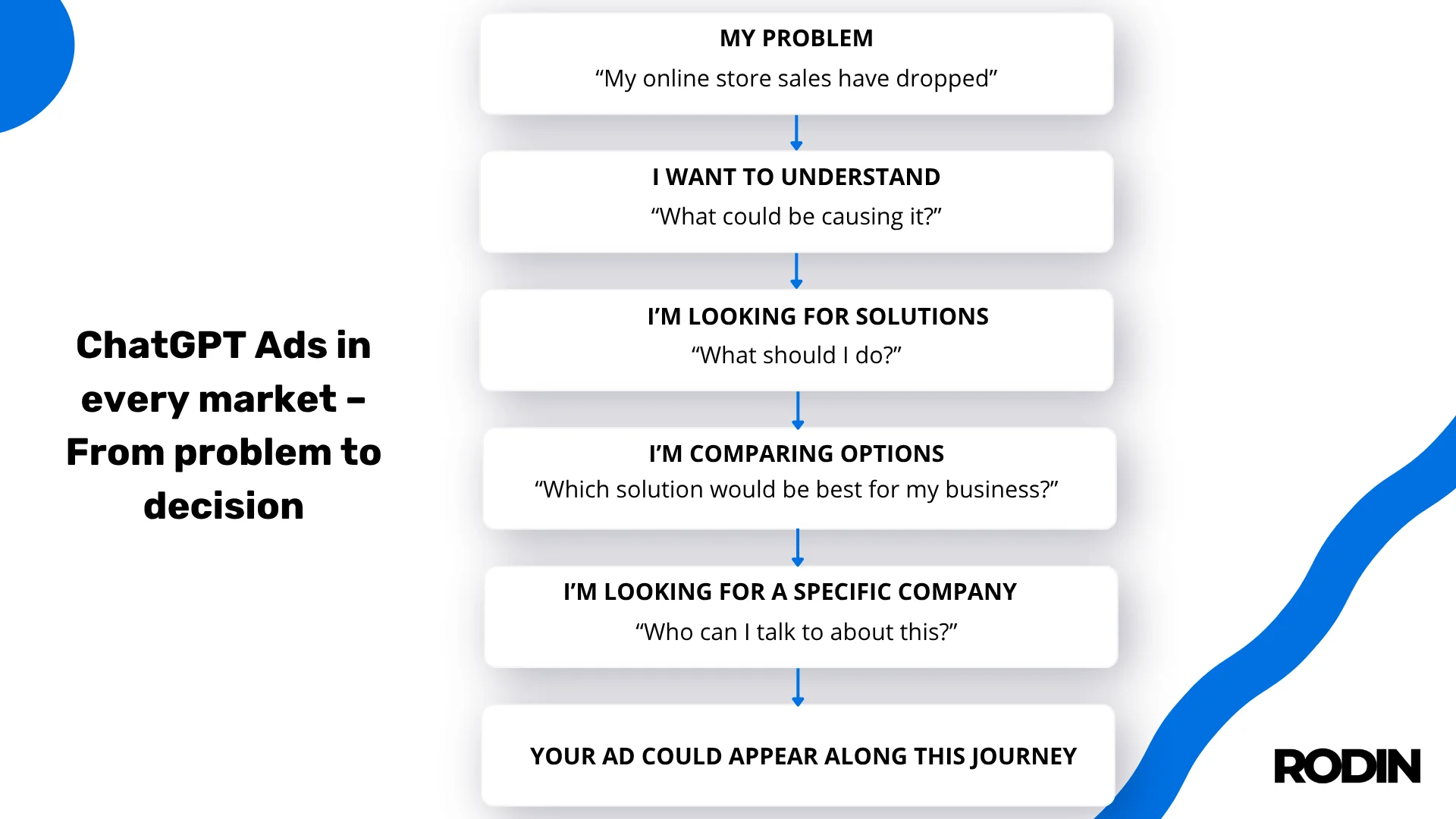
Your ad could appear somewhere along this journey. This is just one example, but imagine how the conversation could move from: “My online store sales have dropped” to “What could be causing this?” to “What can I do about it?” to “Which solution would be best for my business?” and finally: “Who could I talk to about this?”
Watching this journey is one of the most interesting aspects of the potential of ChatGPT Ads. From an advertiser’s perspective, it allows us to look at the customer journey differently. Here, we can see it unfolding in a completely new environment, where the user has a natural conversation and moves from one question to the next.
Common mistakes in ChatGPT Ads
Although ChatGPT Ads are only just entering the European market, some mistakes can already be anticipated.
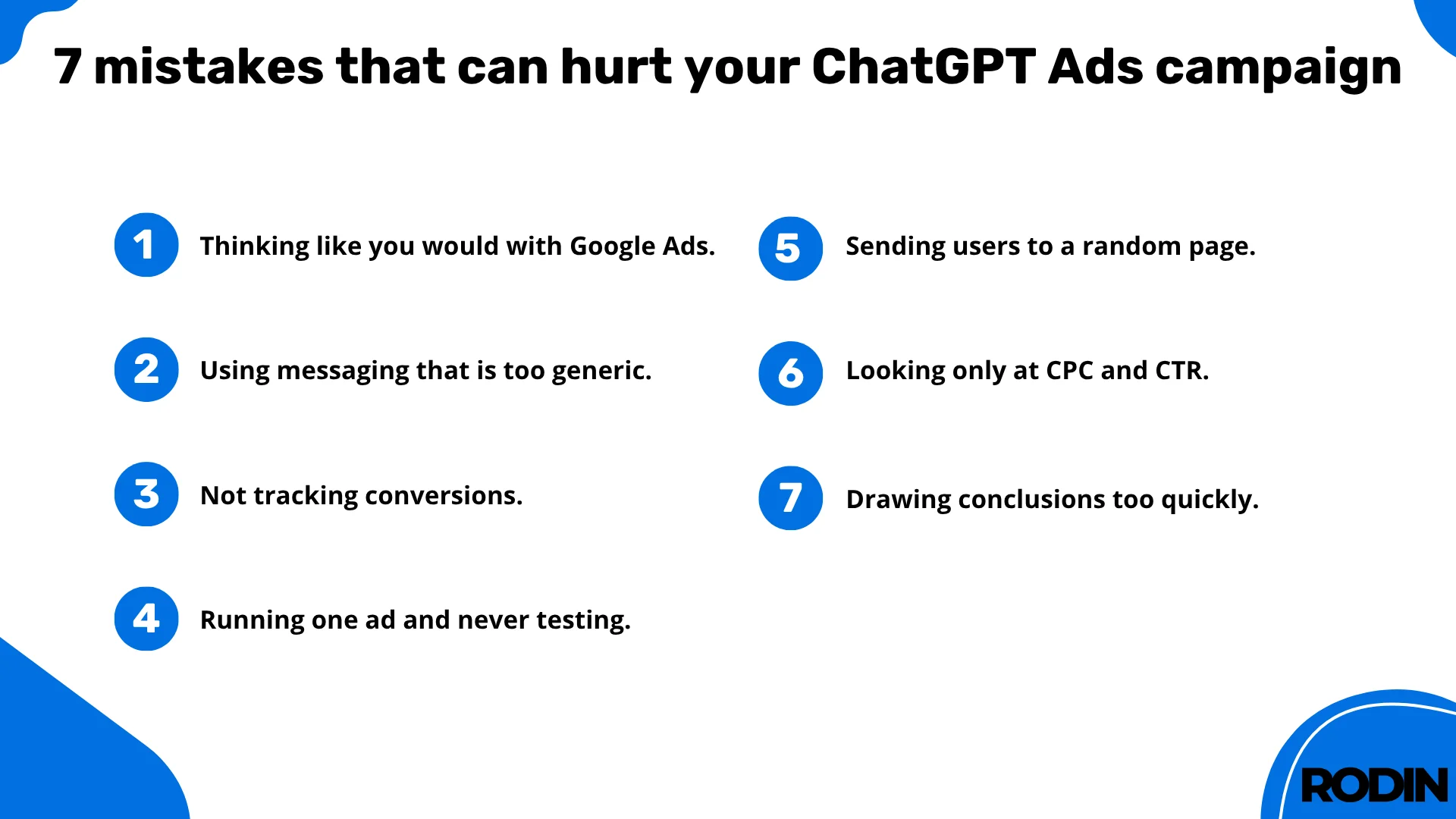
1. Treating ChatGPT Ads like Google Ads
This is one of the first mistakes we expect to see in the market. A user on ChatGPT can describe their entire situation, ask follow-up questions and gradually narrow down the topic. Advertisers therefore need to think beyond a single keyword and consider what problem their potential customer is facing and in which conversations their offer could be useful.
Simply transferring an existing Google Ads campaign, using the same messaging and the same targeting approach can quickly show that this new channel requires its own strategy.
2. Using an overly generic ad
If a message could promote almost any company in a particular industry, it probably does not give the user a specific reason to pay attention. An ad should quickly answer a question users often ask themselves, even subconsciously: does this actually relate to me and my situation?
Instead of a message like “Comprehensive marketing services for businesses,” it may be much more effective to focus on a specific aspect of the user’s situation, such as a problem they are experiencing, a goal they want to achieve or a solution they are currently looking for.
3. Not tracking conversions
You can have thousands of impressions, a low CPC and plenty of clicks. If you do not know what happens afterwards, you still do not know whether the campaign is generating business. Before launching, define which actions have real value for your company: a purchase, form submission, phone call, meeting booking or registration. Then set up conversion tracking so campaign data can be connected to what happens later on your website and throughout the sales process.
4. Launching one ad and waiting
One ad gives you one version of your message. That makes it difficult to draw meaningful conclusions. OpenAI recommends preparing different ad variations because this increases the number of ways your offer can match the right context. That does not mean changing one word in ten versions of the same copy.
Test different arguments instead. One ad might focus on the problem, another on the outcome the customer wants, a third on a specific need, and another on a situation in which your offer could be particularly useful.
5. Sending everyone to the homepage
This is a serious mistake that can waste a well-prepared ad. If a user clicks on a message about a specific problem or solution, the landing page should continue that conversation. A generic homepage forces them to search for the information again and figure out where they are actually supposed to go.
6. Focusing only on clicks
A campaign can generate cheap traffic without producing any enquiries or sales. It can also have a higher cost per click while attracting users who are more likely to become customers. That is why the first ChatGPT Ads results need to be analysed in the context of the entire customer journey.
7. Drawing conclusions too quickly
A new channel needs time to collect enough data. Let’s repeat this once more: one underperforming campaign does not mean that ChatGPT Ads cannot work in your industry. Likewise, one successful campaign is not enough reason to immediately increase the budget several times over.
At the beginning, it will be particularly important to separate facts from first impressions. Look at the data, analyse different variations and try to understand why a particular ad is achieving the results you see.
ChatGPT Ads at Rodin
As soon as ChatGPT Ads became available in Europe, we knew we wanted to get involved straight away. Not six months from now, and not when the internet is already full of case studies, guides and ready-made playbooks. We’re interested in this exact moment, when everything is just getting started.
ChatGPT Ads is a new channel that will evolve quickly and will probably surprise advertisers and agencies more than once. And honestly? That’s exactly what interests us. We want to see how users respond to ads during conversations with ChatGPT, which messages grab their attention, which campaigns generate valuable traffic, which industries have the most potential, what happens after a click, and whether users actually continue, send an enquiry, make a purchase or get in touch with a company. We’re ready to see where it can go.
You don’t need any experience with advertising in ChatGPT or know how Ads Manager works. That’s where we come in, with specialists experienced in advertising campaigns and AI. We’ll start by looking at your business and assessing whether this channel makes sense for your offer at all. We’ll analyse the problems your customers come to you with, what they are looking for and what their journey to an enquiry or purchase looks like.
Then we move on to the campaign. We prepare the messaging, create the ads, set up the campaign and tracking, and then monitor the results.
We’re ready.