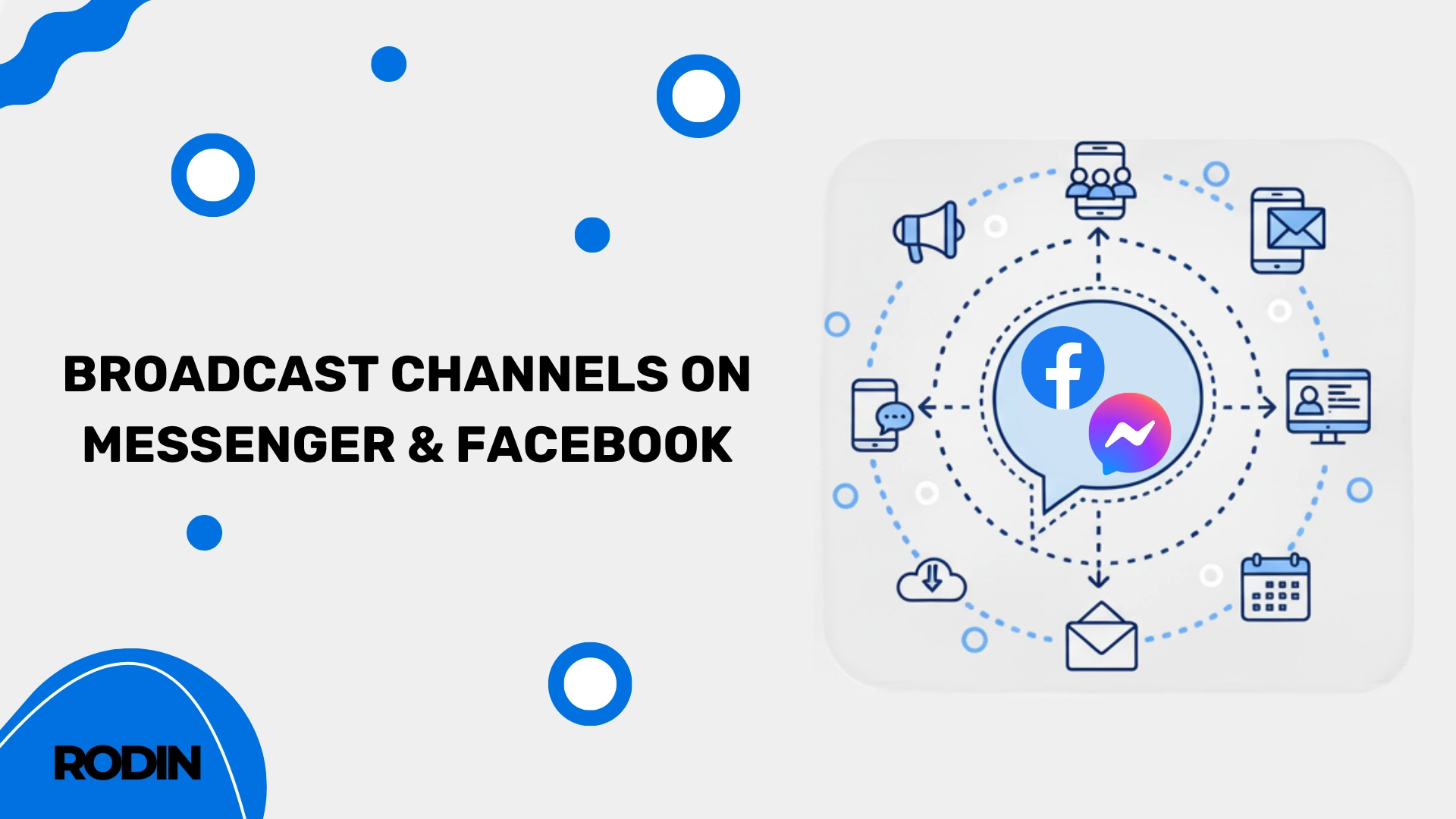
Broadcast Channels are one of the newest communication tools introduced by Meta for Facebook and Messenger. The feature allows Facebook page owners and creators to build dedicated one-to-many communication spaces where they can share updates directly with followers.
Unlike traditional Messenger conversations, broadcast channels are designed primarily for announcements and community engagement. Only the creator or administrator can send messages, while followers can react to content, participate in polls, and stay updated through notifications.
Inside a broadcast channel, creators can share different types of content, including:
- images,
- videos,
- voice notes,
- GIFs,
- live streams,
- text updates,
- polls.
The goal is to create a more direct and personal connection with followers while keeping communication organized and easy to manage. Broadcast channels on Messenger and Facebook are already available in Poland and continue rolling out globally across Meta platforms.
Suggested graphic placement: Meta Broadcast Channels announcement
Suggested caption:
“Broadcast Channels allow creators and brands to communicate directly with followers through Messenger and Facebook.”
Mark Zuckerberg announces Broadcast Channels on Messenger
Meta first announced the rollout of Broadcast Channels on October 18, when Mark Zuckerberg confirmed that the feature would soon appear on Facebook and Messenger.

Broadcast Channels officially launch on Facebook and Messenger
On November 20, Meta officially confirmed that Broadcast Channels had started rolling out to users.
The company described the feature as a one-to-many messaging tool designed to help page owners increase engagement and build closer relationships with their audience through direct communication inside Facebook and Messenger.
What are Broadcast Channels on Facebook and Messenger?
Broadcast Channels on Messenger and Facebook allow creators and page owners to share content directly with people who choose to subscribe to their channel. It’s a one-to-many communication tool designed to help brands, creators, and communities stay connected in a much more direct and organized way.
Only the creator or administrator of the Facebook page can send messages inside the channel, including photos, videos, voice notes, announcements, and text updates. Followers, on the other hand, can react to posts and participate in polls shared within the channel, making the experience feel interactive without turning it into a chaotic group chat.
Subscribers also receive notifications whenever new content is posted, which gives creators a much better chance of reaching their audience compared to traditional Facebook posts that can easily get buried in the feed.
How do Broadcast Channels work on Facebook and Messenger?
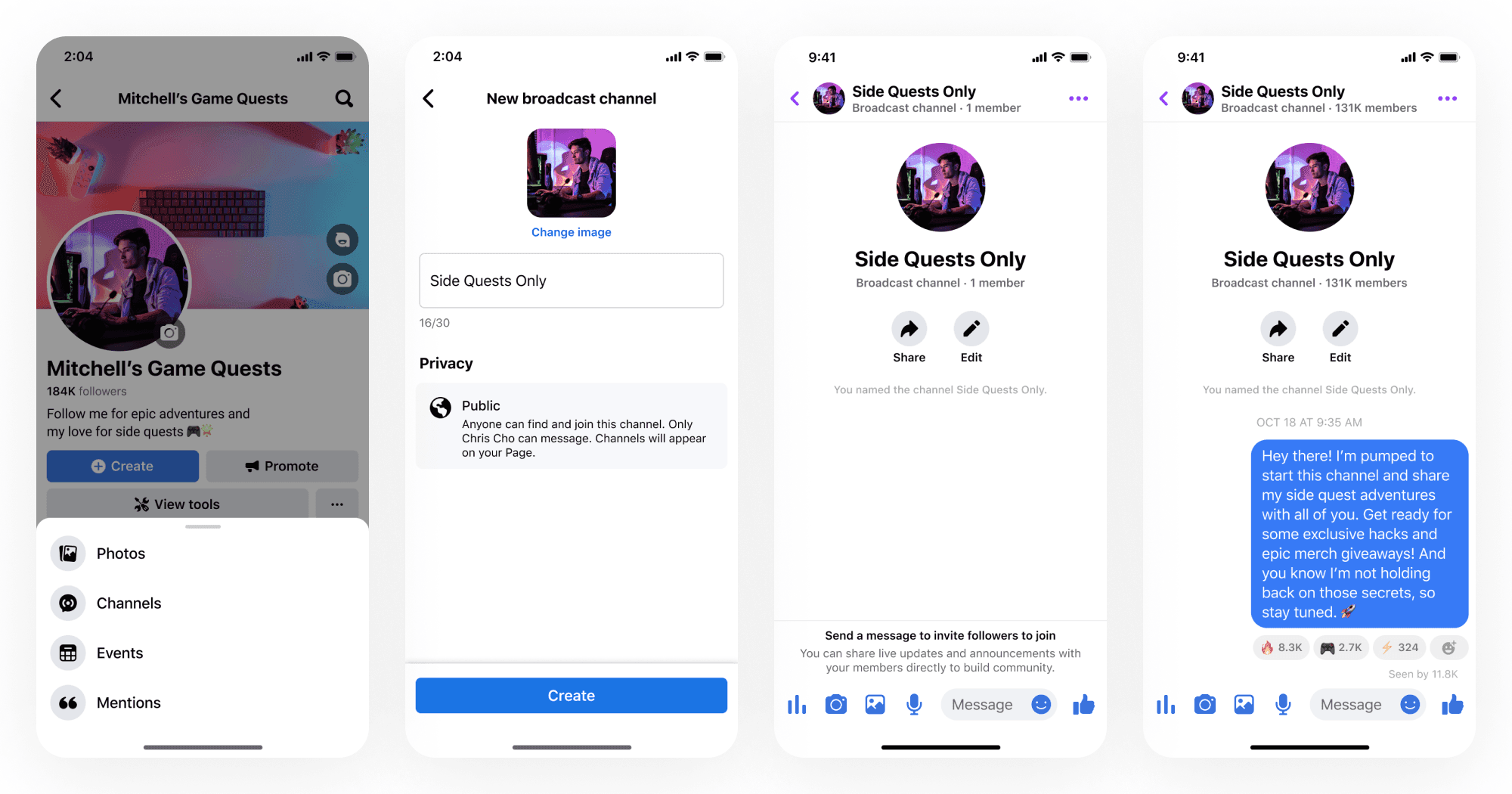
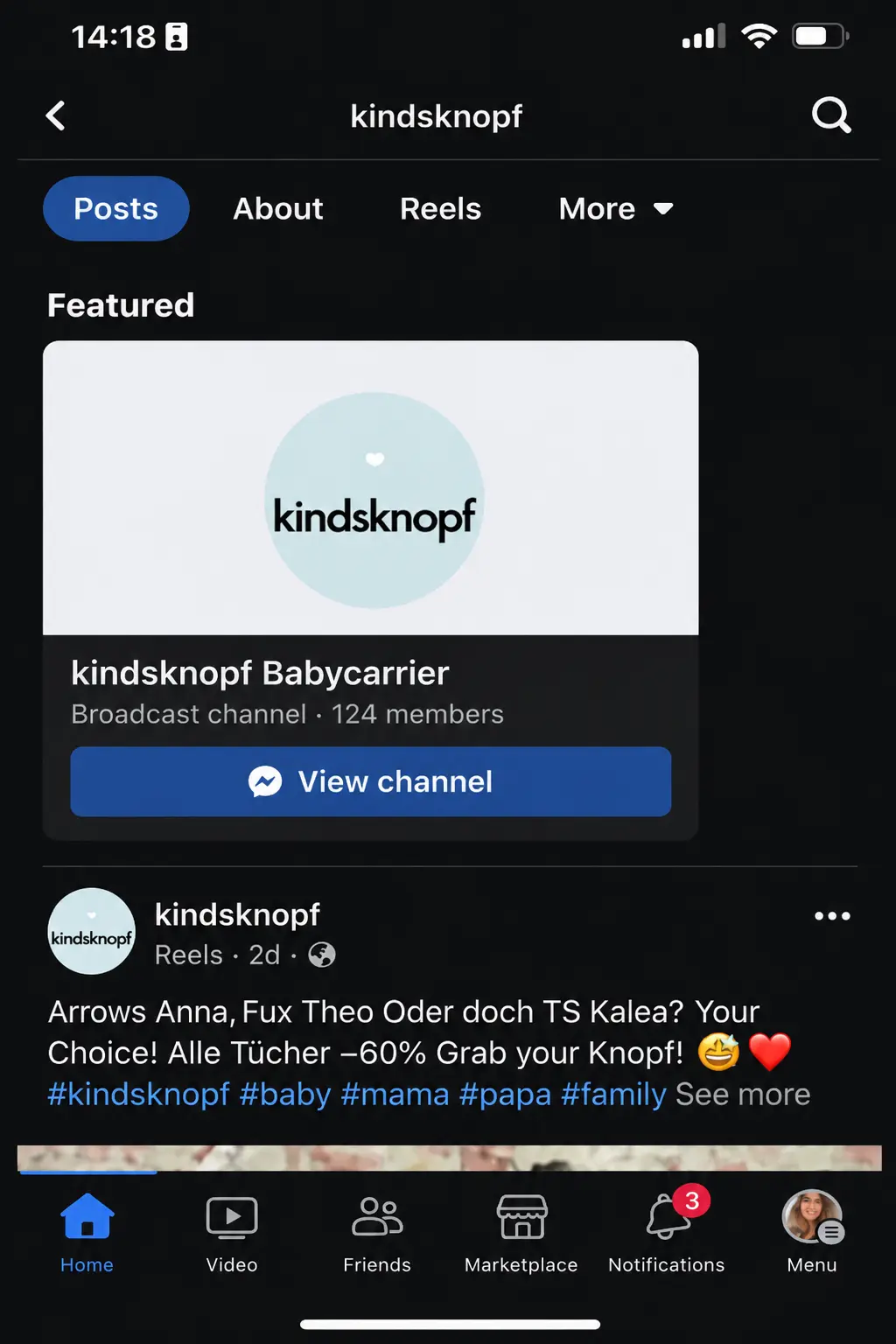
Creating a Broadcast Channel on Messenger starts directly from your Facebook page. To set it up, simply open your page and navigate to the “Channels” section, where you’ll find the option to create a new channel.
Any eligible page administrator can launch their own Messenger channel by following the setup instructions displayed inside Facebook. If the feature is not yet available for your account, you can join Meta’s waiting list and receive a notification once access is enabled for your page.
Meta is gradually rolling the feature out to more users, so availability may differ depending on your account, page activity, and region.
Once the setup process is complete, your channel becomes active and ready to use. From that point on, creators and followers can connect in a more direct and engaging way through Messenger and Facebook. For brands, businesses, and creators, it opens up an entirely new space for building stronger relationships with their community.
Who can create a Broadcast Channel on Facebook and Messenger?
In practice, any Facebook page owner or administrator can create a Broadcast Channel, as long as the feature is available on their account. It’s designed for creators, brands, businesses, and public figures who want to communicate directly with their community through Messenger.
Whether you run a personal brand, a local business, or a larger company page, Broadcast Channels offer a simple way to stay connected with followers and share updates in a more direct and engaging format.
How to create a Broadcast Channel on Messenger and Facebook?
You can create a Messenger Broadcast Channel directly from your Facebook page by going to the dedicated “Channels” section in your page menu. To access the feature, you need to manage or administer the page connected to the channel.
Once the channel is created, invited users will be able to see it inside Messenger and join the conversation space connected to your page. From there, creators can send announcements, updates, voice notes, images, videos, and polls directly to subscribers through Messenger chat.
The setup process itself is very simple and doesn’t require any technical knowledge or coding skills, which makes the feature accessible even for smaller brands and creators just starting to build their community.
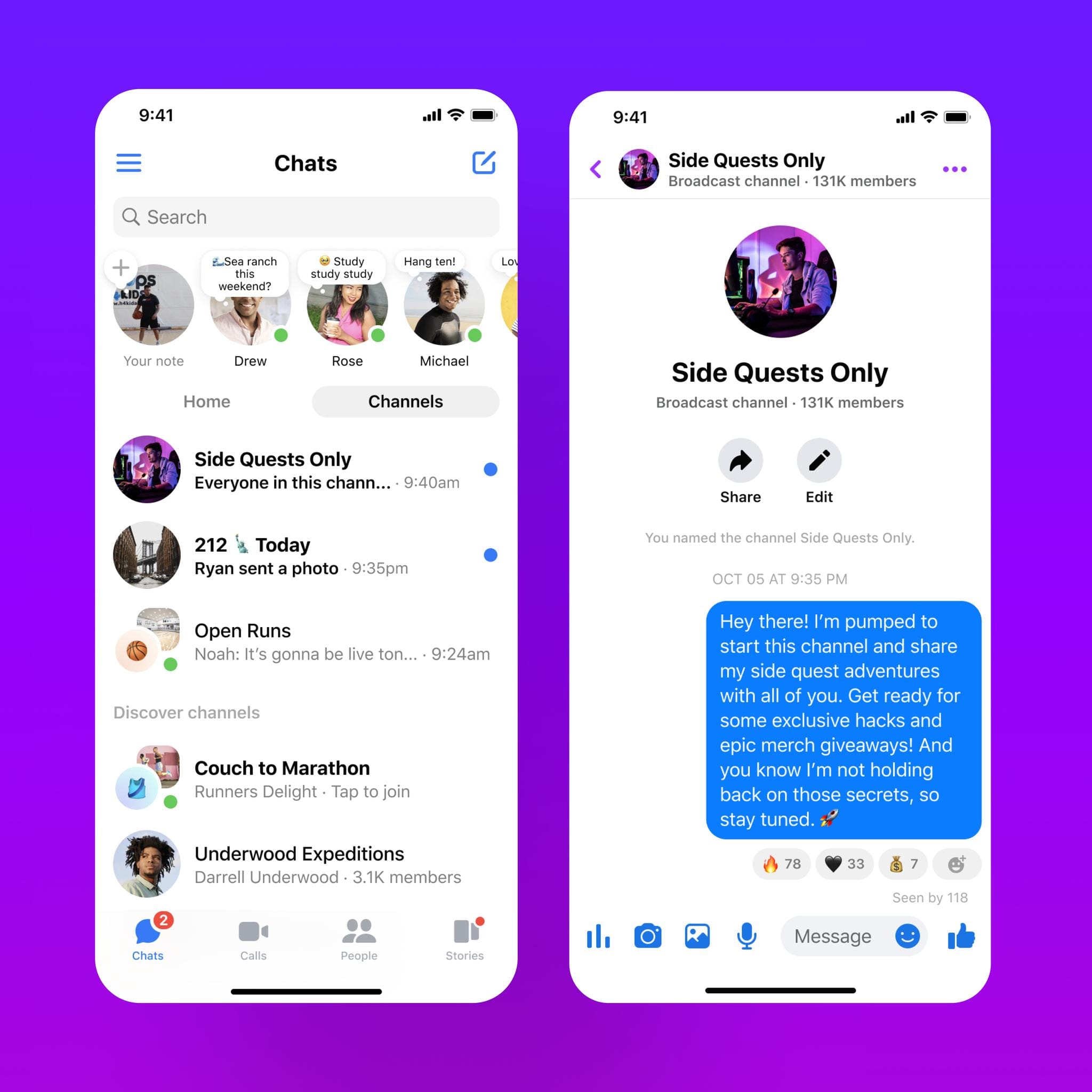
How do you invite people to your Broadcast Channel?
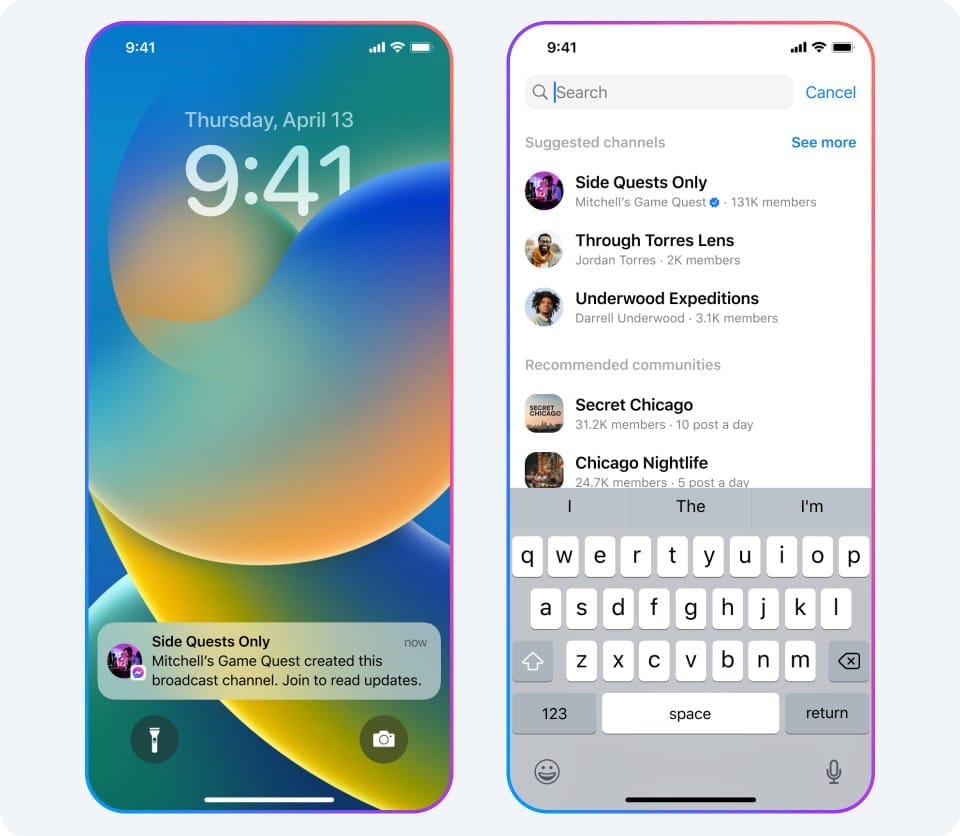
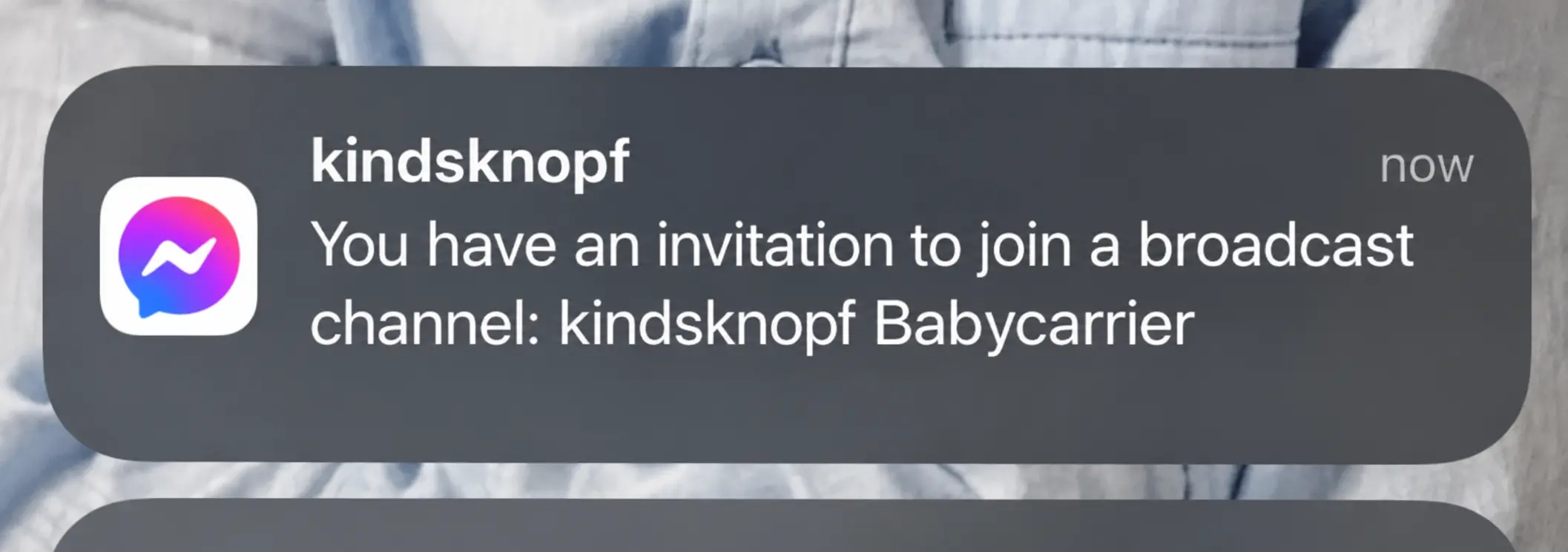
Page administrators who have access to Broadcast Channels on Facebook and Messenger can send invitation messages directly to selected followers. Users can then join the channel simply by accepting the invite they receive through Messenger or Facebook.
Meta also promotes channels automatically in some areas of the platform, making it easier for followers to discover and join communities they may be interested in.
One of the biggest advantages of Broadcast Channels is how easy they are to access. Joining usually takes just a few clicks, which helps creators and brands grow their audience much faster than with traditional community tools.
Suggested graphic placement: Messenger invitation notification
Suggested caption: “Followers can join a Broadcast Channel directly from an invitation sent through Messenger or Facebook.”
Here’s a quick guide showing how to create and manage public chat channels on Messenger and Facebook.
How do you join someone’s Broadcast Channel on Messenger and Facebook?
Joining a Broadcast Channel on Messenger or Facebook is very simple. All you need to do is open the “Channels” tab in the Messenger app or click an invitation link shared by a creator, brand, or Facebook page you follow. Once you join, the channel will appear in your inbox so you can easily access future updates.
After joining a Messenger channel, you’ll start receiving notifications whenever the creator sends new content, such as announcements, voice notes, images, videos, polls, or upcoming events. It’s a quick and convenient way to stay connected with your favorite creators, brands, and communities without getting lost in regular chat conversations.
Interacting with followers – how to build a real community?
Below are some of the most important ways to engage with people who follow your Broadcast Channel on Messenger. Broadcast channels give users the chance to actively interact with creators and brands, helping build stronger engagement while allowing followers to participate in conversations, polls, and community-driven content.
Consistent and valuable communication
Regular communication is essential if you want to keep your audience engaged and genuinely interested in your brand. The key is to share valuable content on a consistent basis – whether that’s updates, industry news, behind-the-scenes content, upcoming events, or inspiring insights your followers actually care about.
A Messenger channel shouldn’t be treated purely as a sales tool. Of course, promotional content has its place, but the real value comes from building loyalty, trust, and long-term relationships with your audience. Broadcast channels on Facebook and Messenger create a much more personal space where followers can feel connected to your brand and become part of your community rather than just passive customers.
This type of communication also gives brands direct access to audience preferences, reactions, and expectations, making it easier to create content people genuinely want to see.
Interactive features
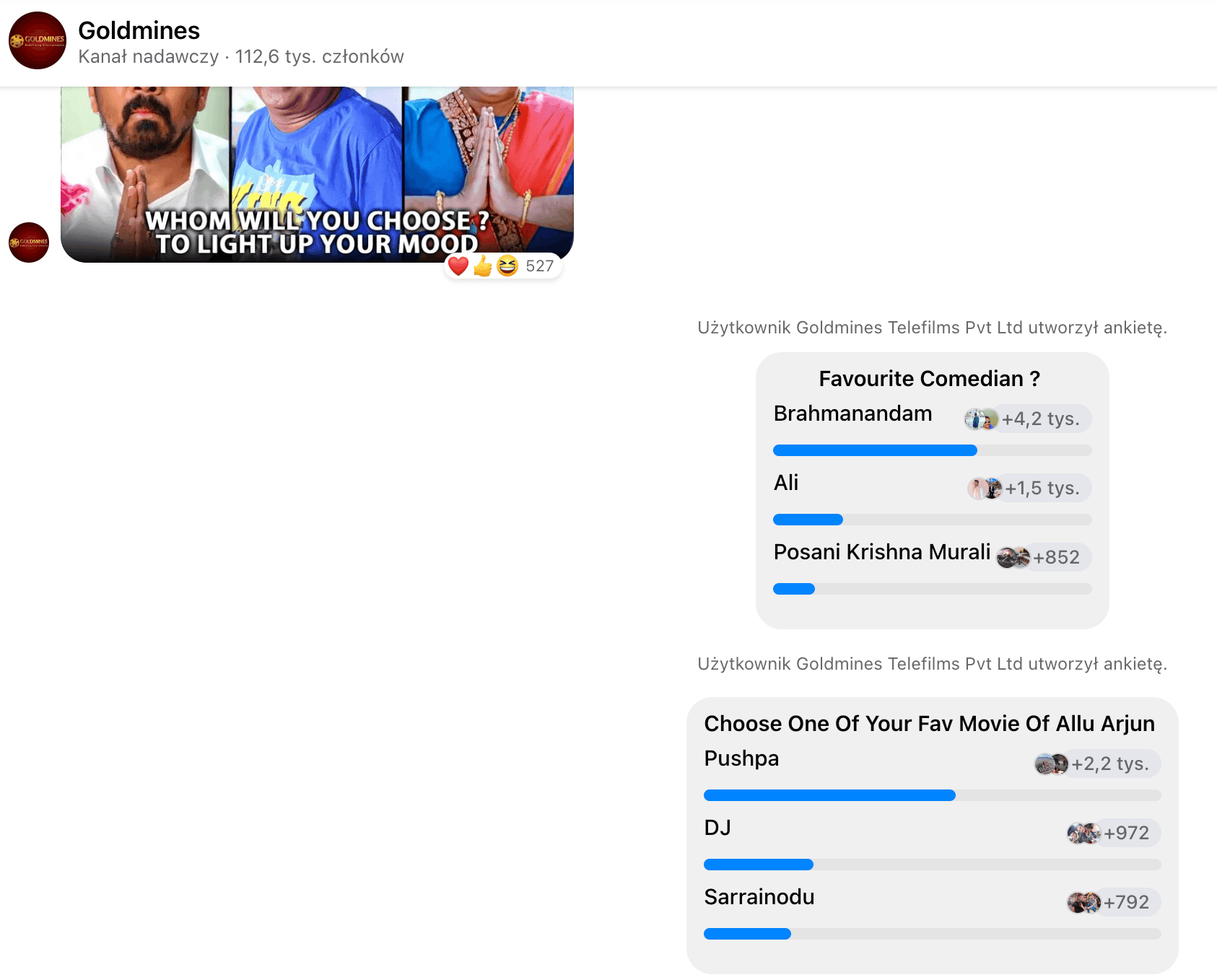
One of the biggest advantages of Broadcast Channels is the ability to use interactive tools that keep your audience involved. You can create polls, ask questions, share voice notes, post videos, or host live conversations directly inside your messenger channel.
These features make followers feel like they’re actively participating instead of simply receiving broadcast messages. The more people engage with your content, the stronger your community becomes.
Scheduled events and exclusive content
A broadcast channel can also become a dedicated space for organizing online events, live sessions, Q&As, product launches, or exclusive announcements for loyal followers.
This approach not only strengthens the relationship between brands and users but also gives your audience a reason to stay subscribed and regularly check new messages. Many creators already use channels on Facebook and Messenger as a kind of weekly newsletter or VIP space for sharing exclusive updates before they appear publicly elsewhere.
Moderation and community engagement
If you want people to stay active in your community, you need to create a space where followers feel comfortable and respected. Active moderation plays a huge role here.
Responding to reactions, acknowledging feedback, and keeping conversations positive helps people feel seen and appreciated. Users are much more likely to stay engaged when they know there’s a real person behind the channel who actually listens to the community.
Rewarding active followers
Another great strategy is rewarding your most engaged subscribers. This could include early access to announcements, exclusive content, discounts, invitations to events, or simple shout-outs for active community members.
Small gestures like these help strengthen loyalty and encourage followers to interact more often with the specific content shared inside your Broadcast Channel.
Sending messages – how to communicate effectively with your followers?
When using a Broadcast Channel, focus on sharing content that genuinely brings value to your audience. Whether it’s behind-the-scenes updates from your brand, practical tips, industry insights, or simply entertaining content, followers should always have a reason to come back to your messenger channel regularly.
The goal is to make every notification feel worth opening. If users associate your Broadcast Channel with relevant and engaging updates, they’ll be much more likely to react to messages, stay subscribed, and actively follow your content over time.
It’s also important not to overwhelm followers with too many broadcast messages or overly promotional content. The best-performing channels usually balance announcements, community-focused conversations, entertainment, and useful information in a natural way.
Polls and interactive features in Broadcast Channels on Messenger
A Broadcast Channel is much more than a simple feed for reposting Facebook content. Meta designed this feature to help creators, brands, and Facebook page owners build more direct and engaging communication with their audience.
Inside channels on Facebook and Messenger, admins can use several interactive tools that encourage followers to participate rather than just passively consume content. You can create polls, share GIFs, post voice notes, send images and videos, or start discussions around specific topics relevant to your community.
Today’s Messenger users expect content that feels interactive and personal. People are far more likely to engage with posts that invite them to vote, react, share opinions, or participate in conversations. Even simple features like polls can significantly increase engagement and help creators better understand their target audience.
Broadcast channels also work especially well for sharing upcoming events, quick announcements, recurring messages, or exclusive updates designed specifically for loyal followers. The more interactive and authentic the communication feels, the stronger the community becomes.
Public or private Broadcast Channels on Messenger?
Broadcast Channels are essentially community chats designed for one-to-many communication on Facebook and Messenger. They’re one of Meta’s newest tools created specifically for creators, brands, public figures, and Facebook page owners who want to connect with their audience in a more direct and engaging way.
Depending on the purpose of the channel, admins can choose between more public or more exclusive communication models. Public Broadcast Channels are designed to reach a wider audience and make it easy for new users to join, discover content, and stay updated through notifications and announcements.
Private channels, on the other hand, work better for more selected communities, premium subscribers, loyal followers, or users who opt in to receive exclusive content, early access updates, or recurring messages.
Meta also gives creators and page admins access to moderation settings and channel management tools that help control who can join, how the channel is shared, and which features are available inside the chat. This allows brands to tailor the experience to their target audience and create a communication space that fits their goals and community style.
Comparing Broadcast Channels on Messenger and Instagram
Broadcast Channels on Instagram work very similarly to the new feature available on Facebook and Messenger. Both platforms give creators and brands a dedicated space for sharing updates, announcements, exclusive content, and direct communication with their communities.
On both Instagram and Messenger, creators can manage their channels through a dedicated section inside the app and invite followers to join through notifications or direct invitation links. Once a Broadcast Channel is launched, users who accept the invitation will automatically start receiving notifications whenever new content is shared.
We also covered this topic in our earlier article about how Broadcast Channels on Instagram work: Instagram Channels (Broadcast Channels): what they are, how they work, and who they’re for?
Just like Instagram broadcast chats, Messenger channels allow users to customize notification settings and manage how they interact with specific conversations. Followers can mute channels, leave them at any time, or control alerts directly from their Meta account settings.
Meta also places strong emphasis on privacy and safety across both platforms. Community Standards still apply to all content shared inside Broadcast Channels, and users can report content or accounts if necessary.
Another advantage is accessibility. The list of available chats and channels can be easily viewed inside both Facebook and Messenger apps, making it simple for users to discover, join, and manage the channels they follow.
Broadcast Channels currently available on Messenger and Facebook
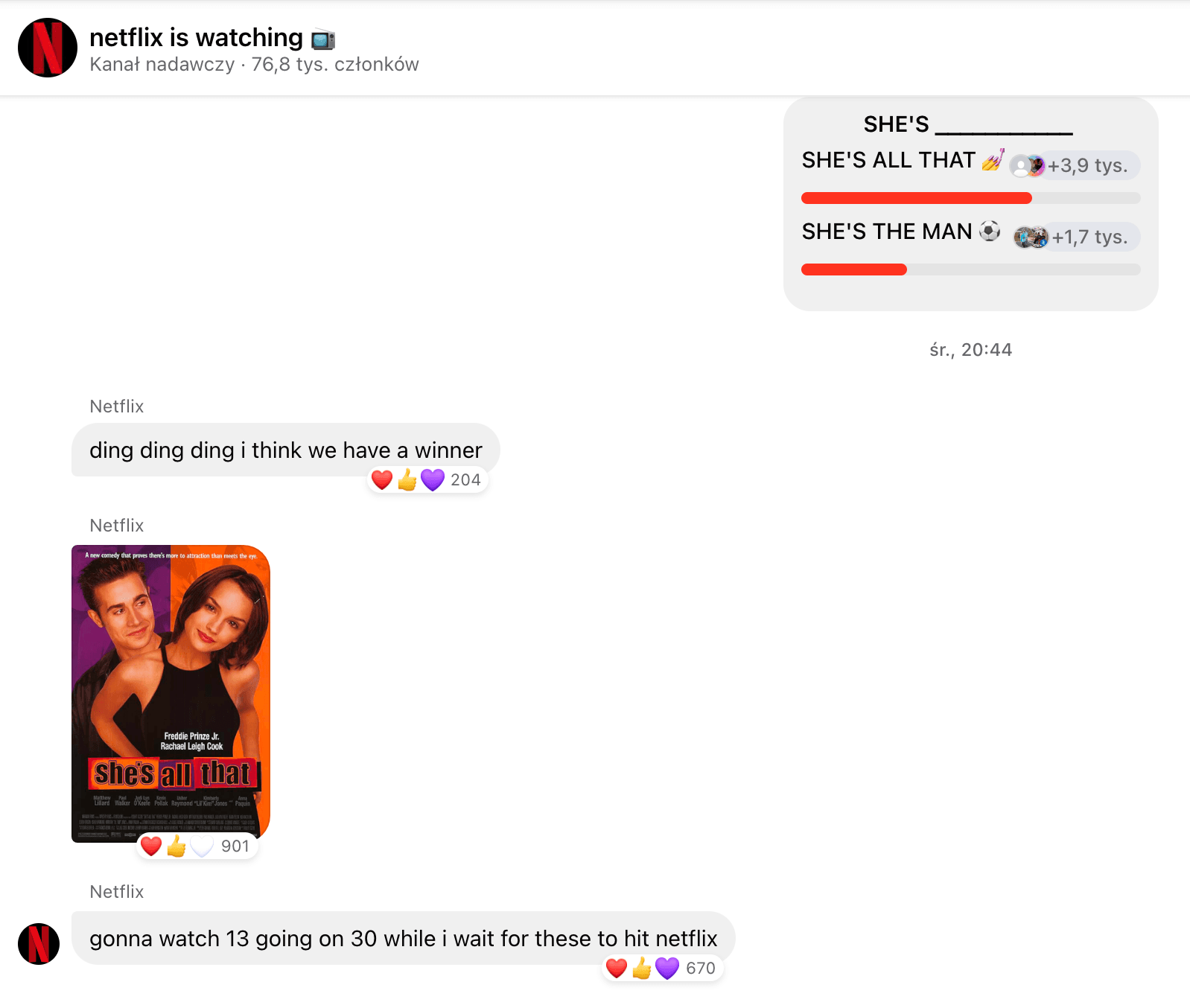
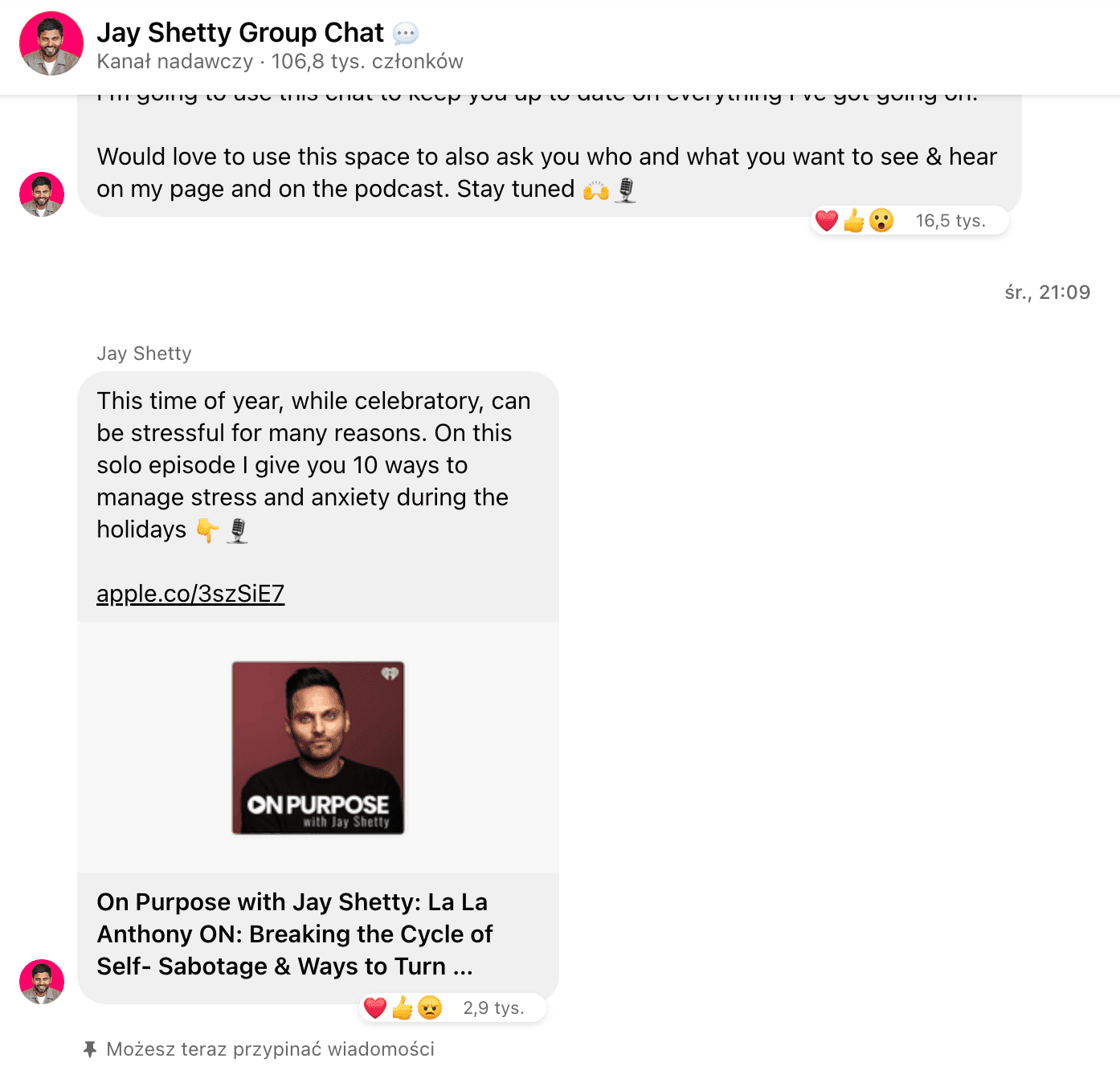
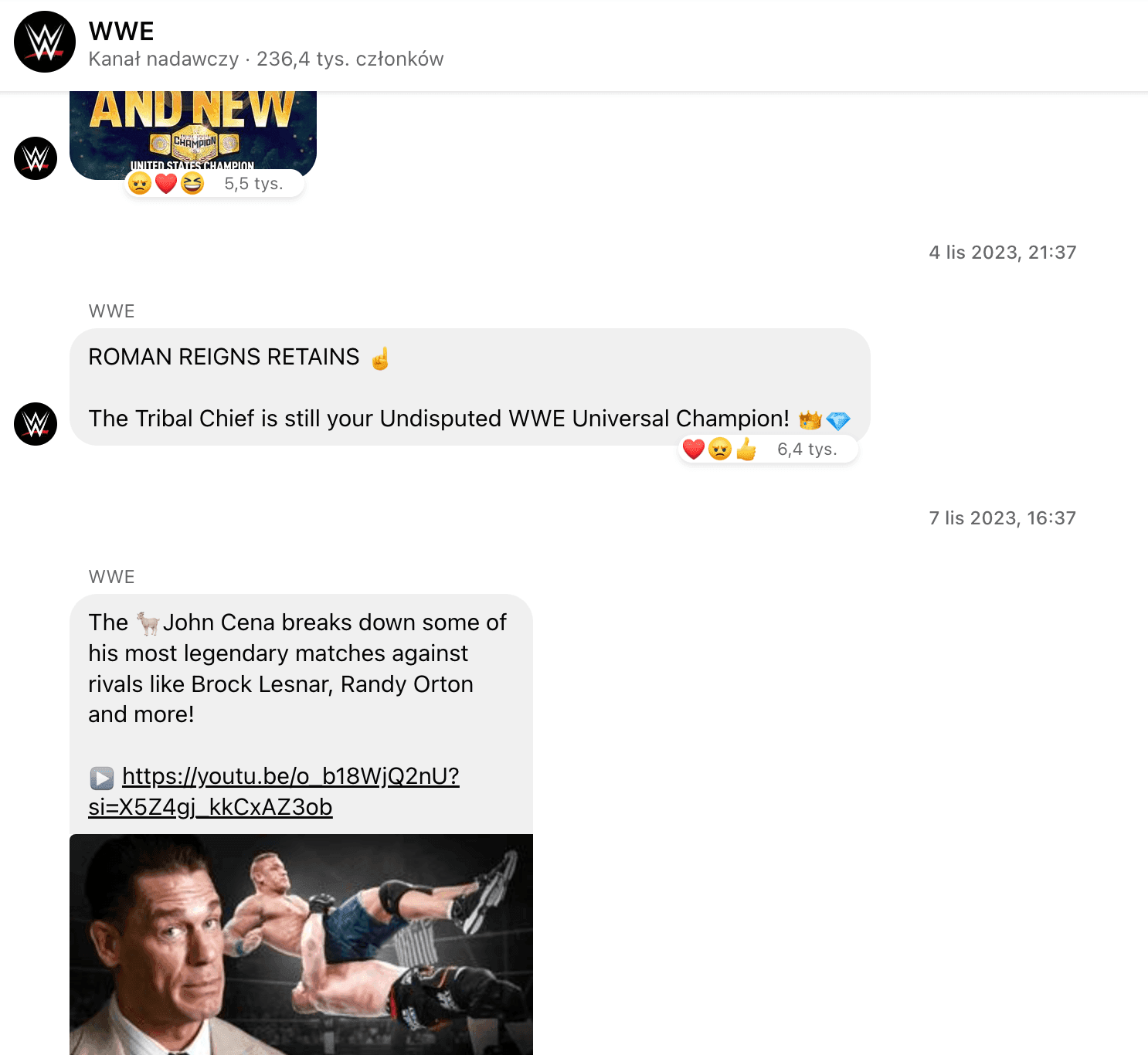
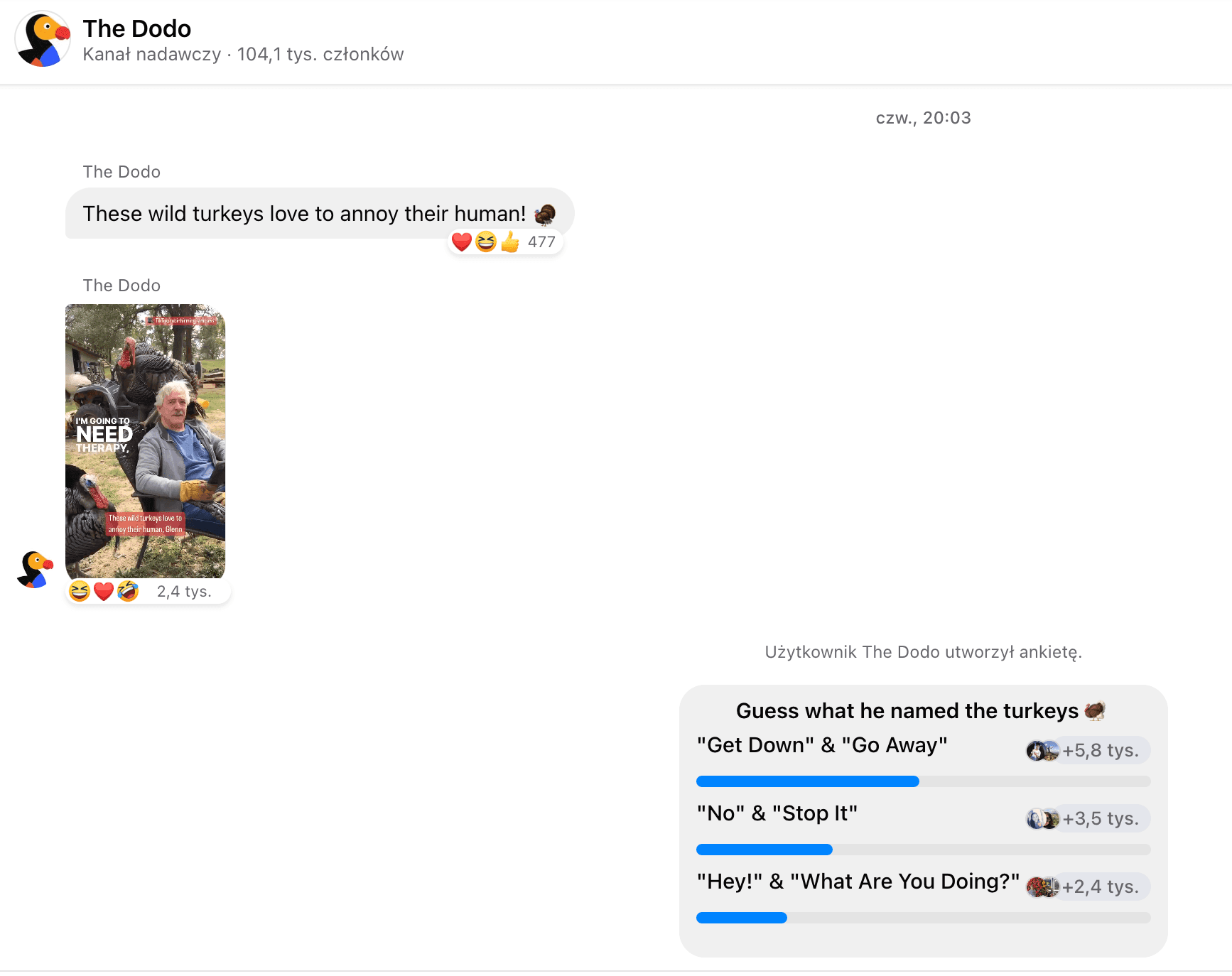
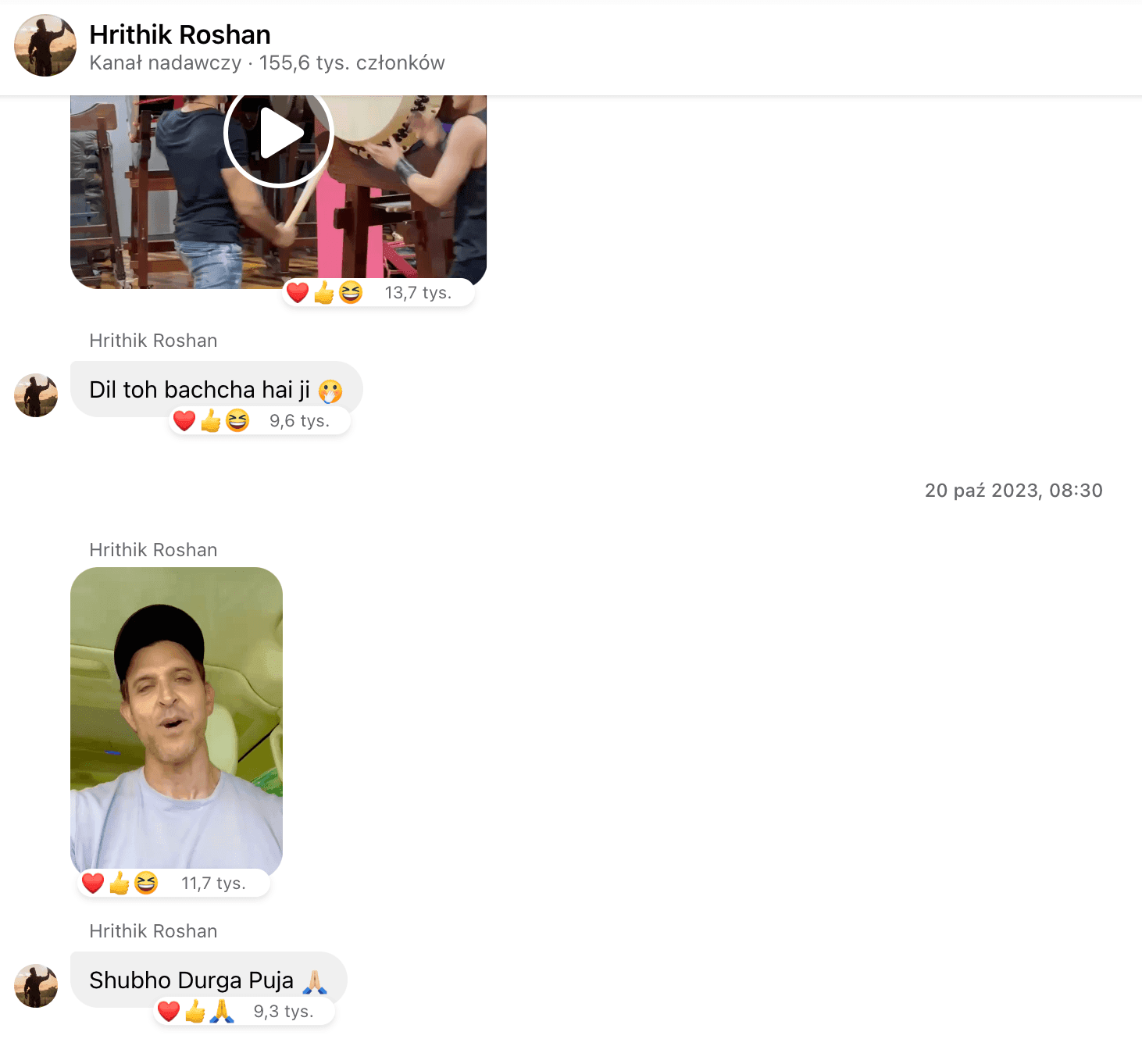
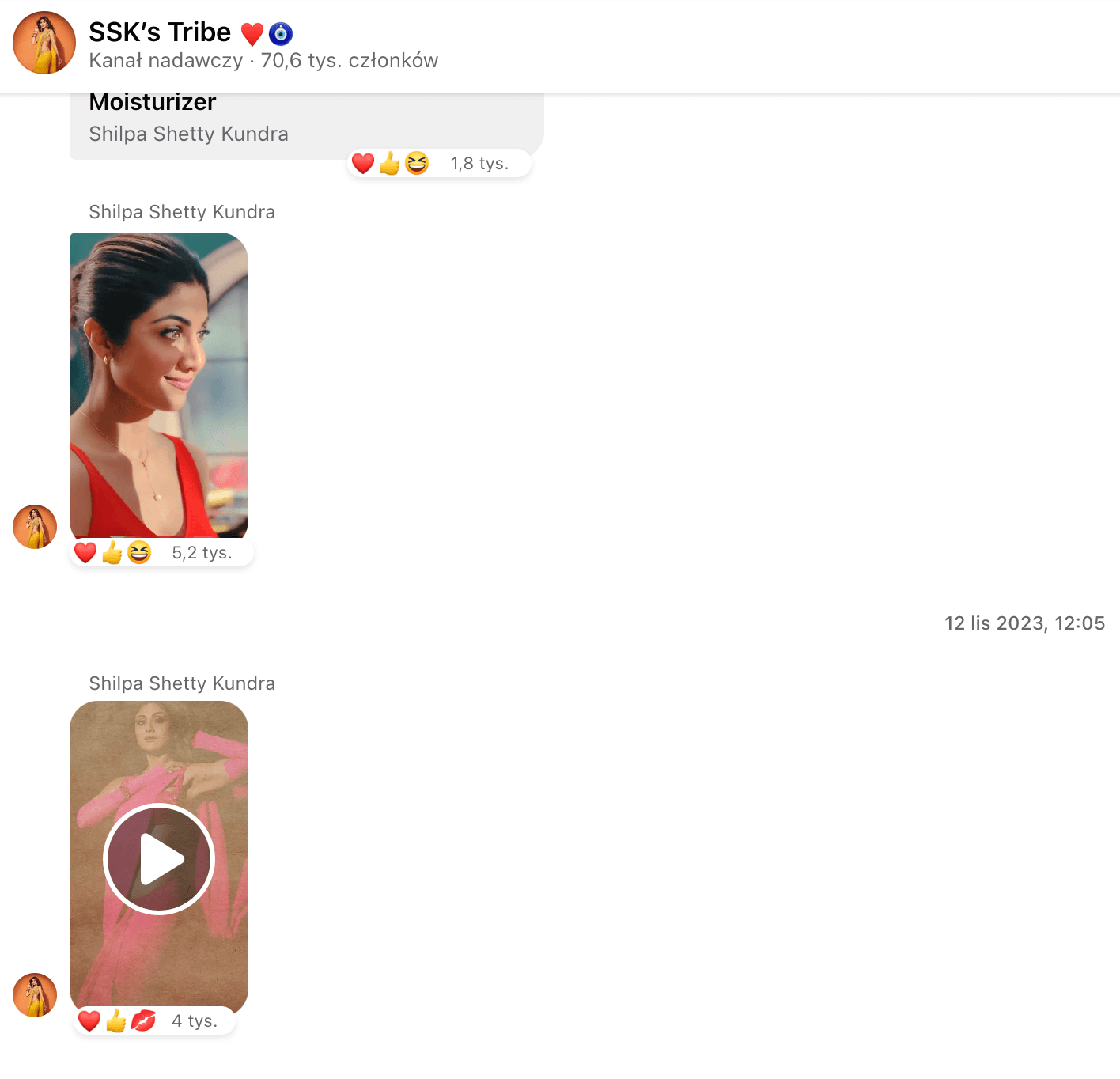
Below are a few examples of public Broadcast Channels on Messenger and Facebook that are already actively building communities and engaging followers through direct communication.
Many of these creators and brands regularly share exclusive content, announcements, videos, voice notes, polls, and behind-the-scenes updates to keep their audience engaged and connected.
Popular Broadcast Channel examples
- TED Talks.
- Netflix,
- Jay Shetty,
- WWE,
- MrBeast,
- The Dodo,
- Hrithik Roshan,
- Shilpa Shetty Kundra,
- Sephora,
- FC Barcelona,
- National Geographic,
- BuzzFeed,
- League of Legends,
- Zara,
- NBA,
- Paris Saint-Germain (PSG),
- Huda Beauty,
- TED Talks.
Safety and privacy on Facebook and Messenger
Broadcast Channels on Facebook and Messenger are subject to Meta’s Community Standards, which means users can generally feel safe while participating in these public chat spaces. At the same time, it’s important to remember that followers can report both individual pieces of content and entire channels if they believe something violates Facebook or Messenger policies. Content that breaks platform rules – including spam, harmful behavior, misleading promotions, or abusive messages – may be removed by Meta.
To help maintain safety across the platform, Facebook and Messenger use a combination of automated moderation tools and human reviewers to identify, review, and remove content that may violate Community Standards.
Unlike private Messenger conversations, Broadcast Channels are public and discoverable features. This means they are moderated differently and are treated more like public community spaces than private chats between users.
Meta also provides administrators with moderation settings and safety tools that help them manage content, control channel activity, and maintain compliance with platform guidelines. According to Meta, many harmful or rule-breaking posts are detected proactively through internal systems before users even report them. The company continues to expand its moderation infrastructure as Broadcast Channels grow across Facebook and Messenger.
Broadcast Channels on Facebook and Messenger – a new chapter for Meta
The introduction of Broadcast Channels by Mark Zuckerberg marks another major shift in how communication works across Facebook and Messenger. The feature gives creators, brands, and public figures a completely new way to connect directly with their audience without relying entirely on traditional feed visibility.
What makes Broadcast Channels especially interesting is their potential to reach slightly older and more established audiences compared to Instagram. For many brands, this opens up new opportunities for community building, customer engagement, and direct communication inside the Meta ecosystem.
At the moment, the feature is still evolving, but interest continues to grow rapidly. Meta is already testing new tools and expanding channel functionality, which suggests Broadcast Channels may become one of the platform’s most important communication features in the coming years.
It will also be interesting to see whether channels on Facebook and Messenger can achieve the same level of popularity and engagement already seen on Instagram Broadcast Channels. Considering how strongly users are moving toward more community-focused and direct forms of communication, there’s a very good chance this is only the beginning.
Frequently asked questions
To create a Broadcast Channel, you first need access to a Facebook page or professional creator account. Inside Facebook or the Messenger app, you’ll find a dedicated section where you can create broadcast channels and manage your audience communication.
Once the channel is active, only the creator can send messages, while followers can react to posts, vote in polls, and interact with shared content. Meta is still gradually expanding access to the feature, so some users may need to join a waiting list before the option becomes available.
Yes, channels on Facebook can be created directly from your Facebook page dashboard. The process is designed to be simple and doesn’t require any coding skills or technical setup.
After creating the channel, your followers receive a notification inviting them to join. From there, you can start sending announcements, recurring messages, voice notes, videos, images, or promotional content directly to your audience through Messenger.
Yes, Broadcast Channels are one of Meta’s newer communication tools and were formerly called Broadcast Channels during early testing phases on Instagram before expanding to Facebook and Messenger.
The feature was introduced as a way for creators, brands, and public figures to build stronger communities and communicate more directly with subscribers. In recent months, Meta has continued testing additional features like polls, voice notes, and better moderation settings as the platform grows.
There are several ways to join a messenger channel. Most users discover channels through invitation links, push notifications, creator profiles, or directly inside the Messenger app. Some channels on Facebook are public and searchable, while others are only accessible through an invite or opt in process. Once you join, the channel appears in your inbox alongside your regular Messenger conversations, making it easy to stay updated with new content and upcoming events.
A Broadcast Channel is a one-to-many communication tool that allows creators, brands, and Facebook page owners to send messages directly to followers without creating a traditional group chat.
Unlike regular Messenger conversations, only the creator can post content inside the channel. Followers can still react, participate in polls, respond to specific content shared, and engage with announcements or branded content without overwhelming the chat with endless replies.
Users have full control over the channels they follow. If you no longer want to receive notifications, you can mute the channel, disable alerts, or leave the conversation entirely from your Messenger settings.
This flexibility is important because some creators send recurring messages, weekly newsletter updates, promotions, or frequent announcements. Meta allows users to customize how they interact with every messenger channel individually.
Absolutely. Broadcast Channels are becoming a powerful tool for businesses that want to engage loyal followers and build stronger relationships with their target audience.
Brands can use them to share upcoming events, exclusive promotions, product launches, behind-the-scenes content, or one time notifications that feel more direct and personal than regular Facebook posting. Because messages land directly in the inbox, engagement rates are often much higher than standard social media posts.
Broadcast Channels are treated differently than private Messenger chats. Most channels are public or discoverable, meaning users can search, join, and access content more easily than in traditional private conversations.
At the same time, Meta still applies Community Standards, moderation policies, and reporting tools to help protect users. Admins can also manage access, remove content, control subscriptions, and decide how open or exclusive their community should be.