
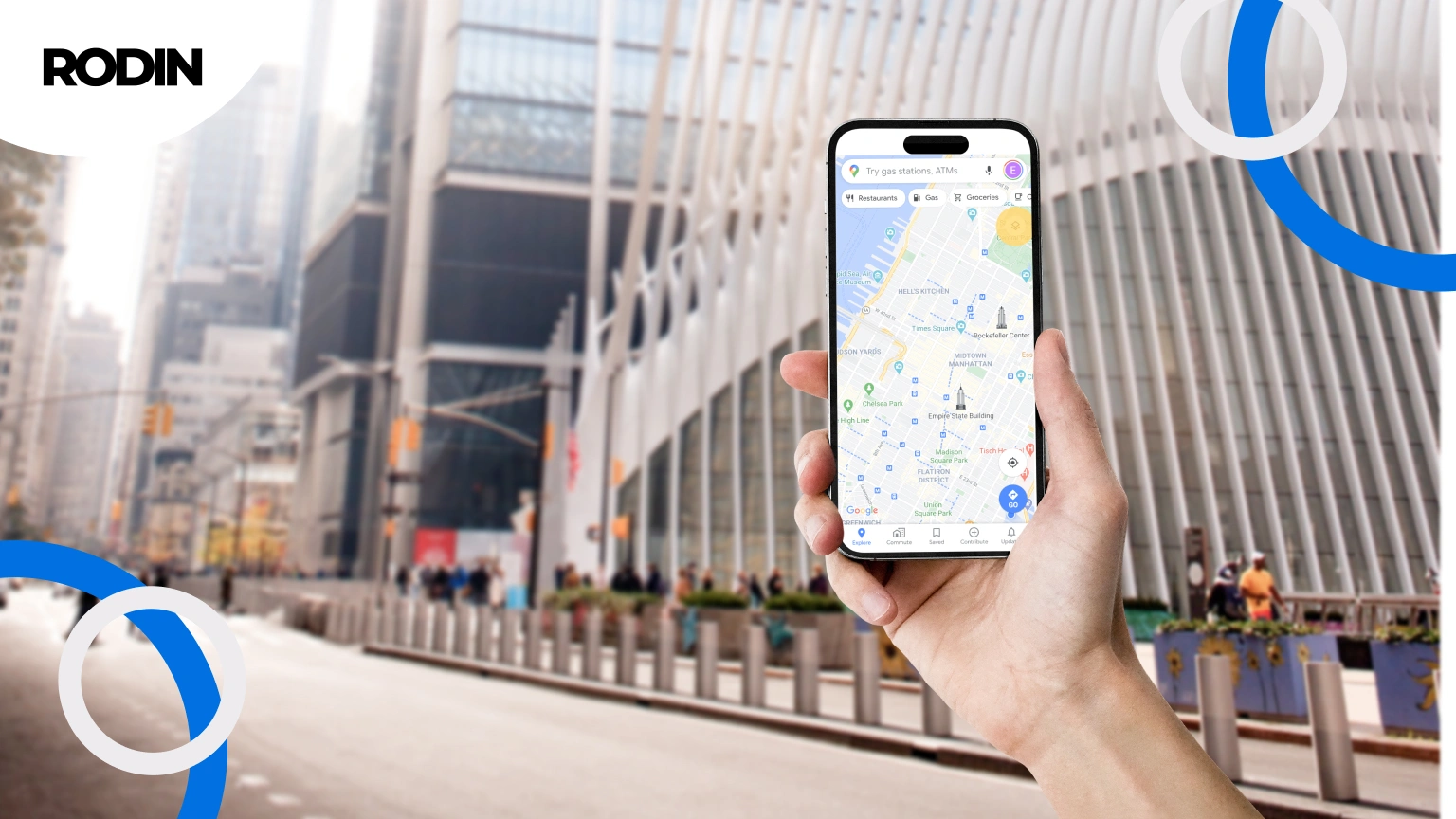
Do you associate Google advertising only with standard Google Ads campaigns visible in search results? It’s time to broaden your perspective. More and more business owners are discovering the potential of other advertising tools available on this platform. Ads in Google Maps deserve particular attention, in our experts’ opinion, they are a strong complement to popular online promotion methods. This solution is especially attractive for local businesses, as it allows them to effectively attract customers from nearby areas.
When a user enters a business name or category in Google Maps, they receive a list of places in their area. Google search therefore plays a central role in local marketing, directing users to businesses in a specific location.
The main benefit:
With Google Maps ads, your business can quickly appear in response to local searches, reaching new users and new customers in your area. Advertising allows companies to promote themselves locally and reach nearby residents. Ads can appear at the top of search results and directly under the search bar.
Displaying ads in search results and on maps increases the chance that your business will be noticed by potential customers. After seeing your business, a user can call, send a message or, for example, book a table directly from the ad.
What’s more, Google Maps advertising is part of the broader Google ecosystem, including YouTube, which allows you to reach a wider audience. But let’s start from the beginning…
What is Google Maps advertising?
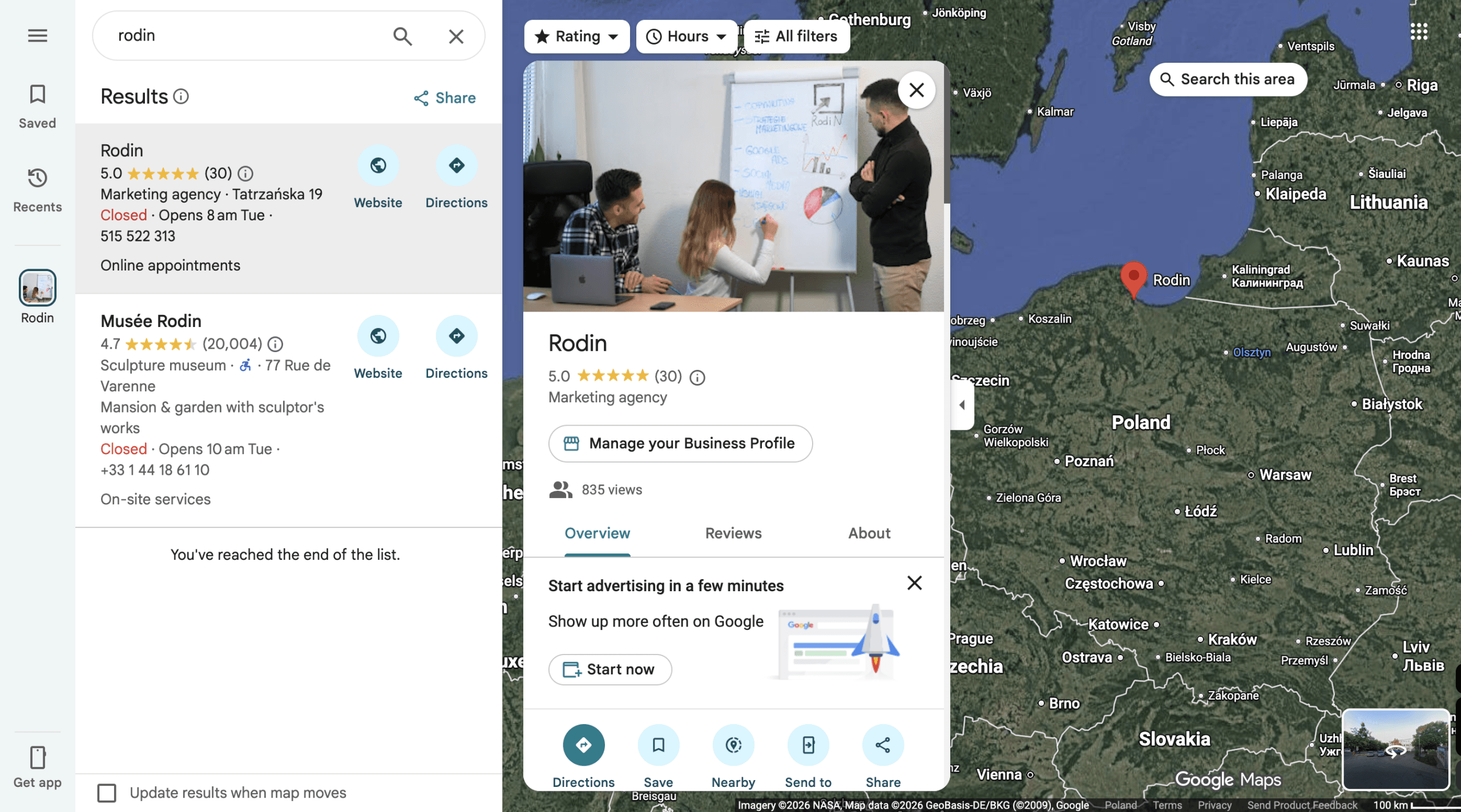
Google Maps advertising works by displaying information about a specific place when users search for products or services in a given location. When a user enters a query, your business can appear at the top of the results list, marked with a distinctive purple pin. Ads are usually shown in response to searches for specific products or services in a given area, which helps attract local customers. For example, ads can refer to specific products offered by your business and appear across the Google network, increasing visibility among potential customers.
To use Google Maps ads, you need an active Google Ads account and a verified Google Business Profile. This listing is the foundation of your presence on Google Maps and contains basic information about your business (such as business name, address, opening hours, phone number and photos). Make sure all this information is complete and up to date, as the business name plays an important role in optimization and positioning.
Targeting in Google Maps allows you to precisely define your location and configure campaigns with location as the main parameter. This makes it possible to display ads to users who are nearby or interested in a given region.
Who is Google Maps advertising for?
Google Maps advertising is designed for businesses that want to build a presence in the local market and attract attention from potential customers in their area. It is especially valuable for companies offering on-site services such as shops, restaurants, hair salons, car repair shops or medical practices.
With Google Maps ads, even smaller businesses can compete with larger players by presenting their offer to users searching for specific services or products in a given location.
It is also a good option for new businesses that are just building their online presence and want to quickly increase visibility among nearby customers. Regardless of the industry, Google Maps advertising allows locally operating companies to reach people interested in their offer and stay competitive.
How to enable Google Maps ads? Step-by-step
Launching ads in Google Maps is simpler than it seems. Just a few steps are enough for your business to start appearing to potential customers in key placements.
Here’s what to do:
- Create a Google Ads account and set up and verify your Google Business Profile.
- Log in to Google Ads and start creating a new campaign.
- Choose a campaign goal that matches your needs (for example: drive website traffic or drive store visits).
- Set your budget and select keywords for which your ads should appear.
- Define the location where your ads should be visible – a city, district or a radius around a point.
- Configure additional settings such as days and hours of ad display.
- Approve the campaign and wait for Google’s review – once accepted, your ads will start appearing in Google Maps and search results.
Keep in mind that you have full control over your budget and can continuously optimize your campaign settings to improve results. Now let’s talk about costs.
The cost of advertising on Google Maps
The cost of Google Maps advertising depends on several factors (we’ll go into detail later). In the pay-per-click model, you only pay when someone clicks your ad. This gives you control over spending and allows you to measure performance precisely.
Now for the good news – what you definitely won’t pay for 😉. How much does Google Maps advertising cost? The answer is simple. Google allows you to use your Business Profile for free. Any fees are charged only by external providers, not by Google itself. Creating your listing does not involve any costs.
Why do we stress this so much?
We want you to stay alert. Don’t be misled by people claiming to represent Google who ask for payment for adding, updating or maintaining your listing. All of these actions are completely free. Both creating and managing your Business Profile involves no fees.
So what do you actually pay for?
- Professional optimization of your presence in Google Maps.
- Running paid campaigns through Google Ads.
Costs related to your listing mainly involve actions aimed at improving its visibility and performance. This may include hiring an agency to optimize your listing or investing in Google Ads campaigns to increase reach and visibility.
How much does Google Business Profile positioning cost?
Costs appear when you decide to improve the visibility of your listing in search results. The price depends on several factors, such as competition in your industry, but usually ranges between 500 and 1000 PLN net (approx. €115–€230) net per month.
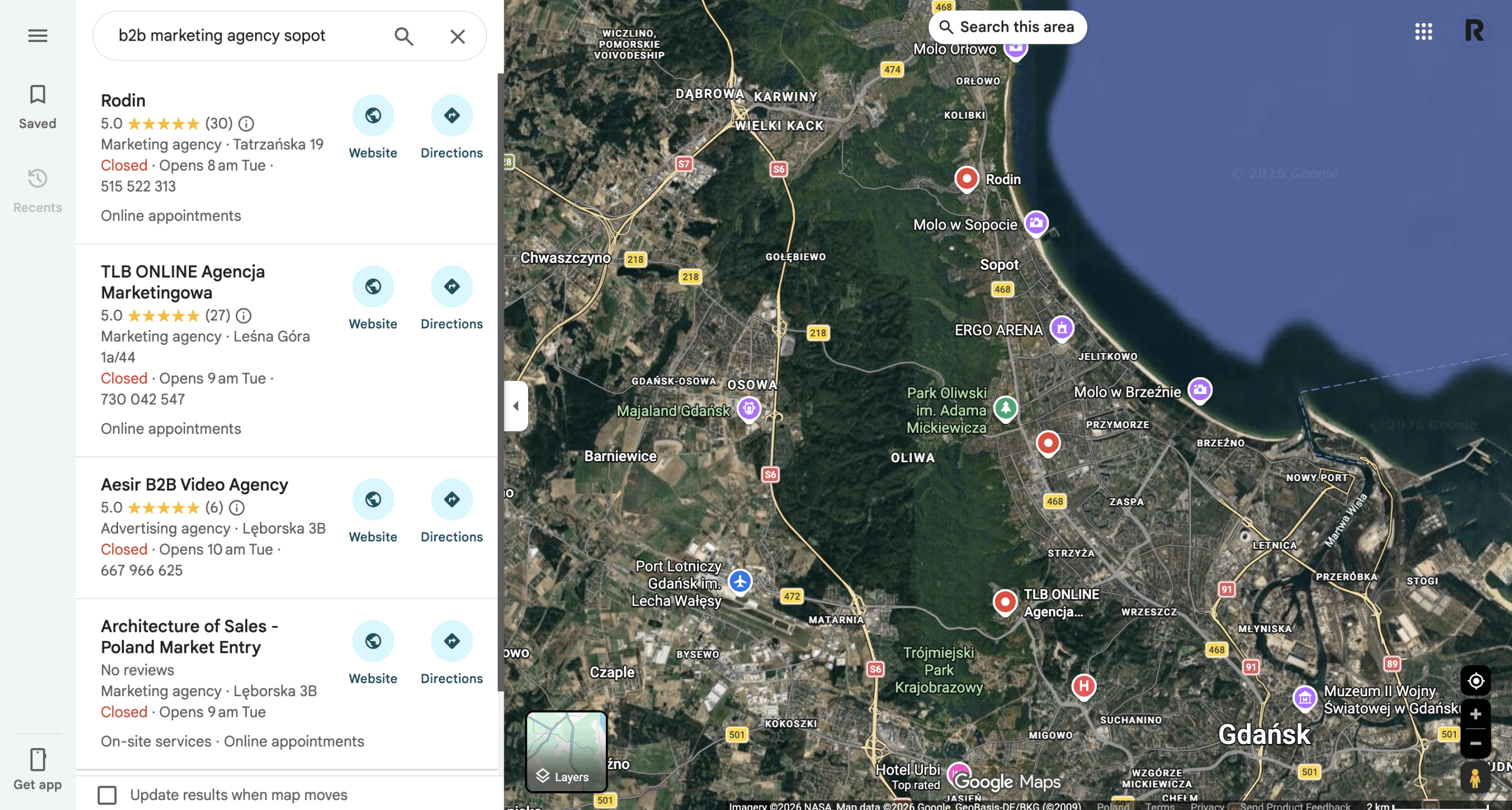
Positioning includes:
- optimizing listing content;
- collecting and managing customer reviews;
- regular updates and posts;
- linking to your listing from other websites;
- optimizing the website connected to your listing.
Some agencies offer broader services that also include Google Ads campaigns with Google Maps ads. This can affect the overall cost but may be beneficial.
Remember!
Results may be visible after a few weeks, but full effects usually require several months of consistent work.
Reach of Google Maps advertising
The reach of Google Maps ads depends on several factors.
A higher budget and well-selected keywords increase how widely your ads are shown. Location also plays a major role. Ads can appear in Google Maps results, directly on the map, and on websites connected with Google Maps.
This allows your business to reach users actively searching for services or products in a given location. Proper campaign setup helps increase reach and attract new customers.
Rodin offer – work with professionals and gain more local customers
Want to reach customers in your area? Need support in building your local online presence? We can help.
We offer marketing services including:
- SEO;
- Google Ads campaigns;
- tailored marketing strategies;
- social media activities.
We help increase your online visibility and build relationships with your local audience through Google Maps.
Interested? Schedule a short call or send us your requirements. We will prepare an initial recommendation and pricing.
How does Google Maps advertising work?
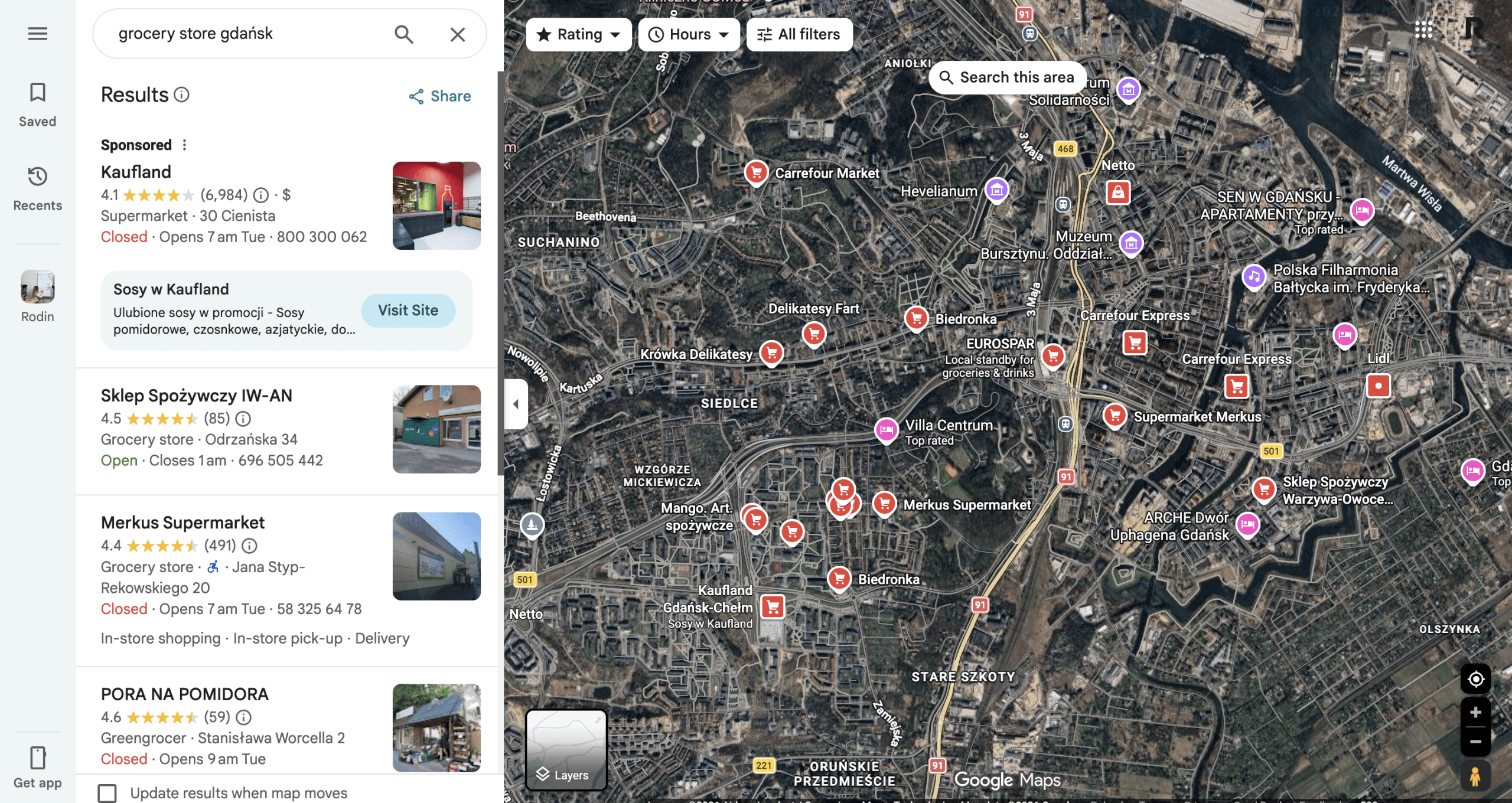
Google Maps ads operate similarly to search ads and are based on two factors:
- Keywords.
- Location.
You define your audience, phrases and geographic area. Ads appear to users searching for services in a specific location. For example, someone searching for “eco hotel Mazury” may see sponsored results or highlighted pins.
Effectiveness depends on keyword selection and location targeting. With the right setup, you can increase visibility among users most likely to choose your offer.
What affects the cost of Google Maps ads?
Let’s go back to the factors that have the biggest impact on how much you pay for advertising in Google Maps. There are several of them, and it’s worth understanding how they work if you want to manage your campaigns effectively.
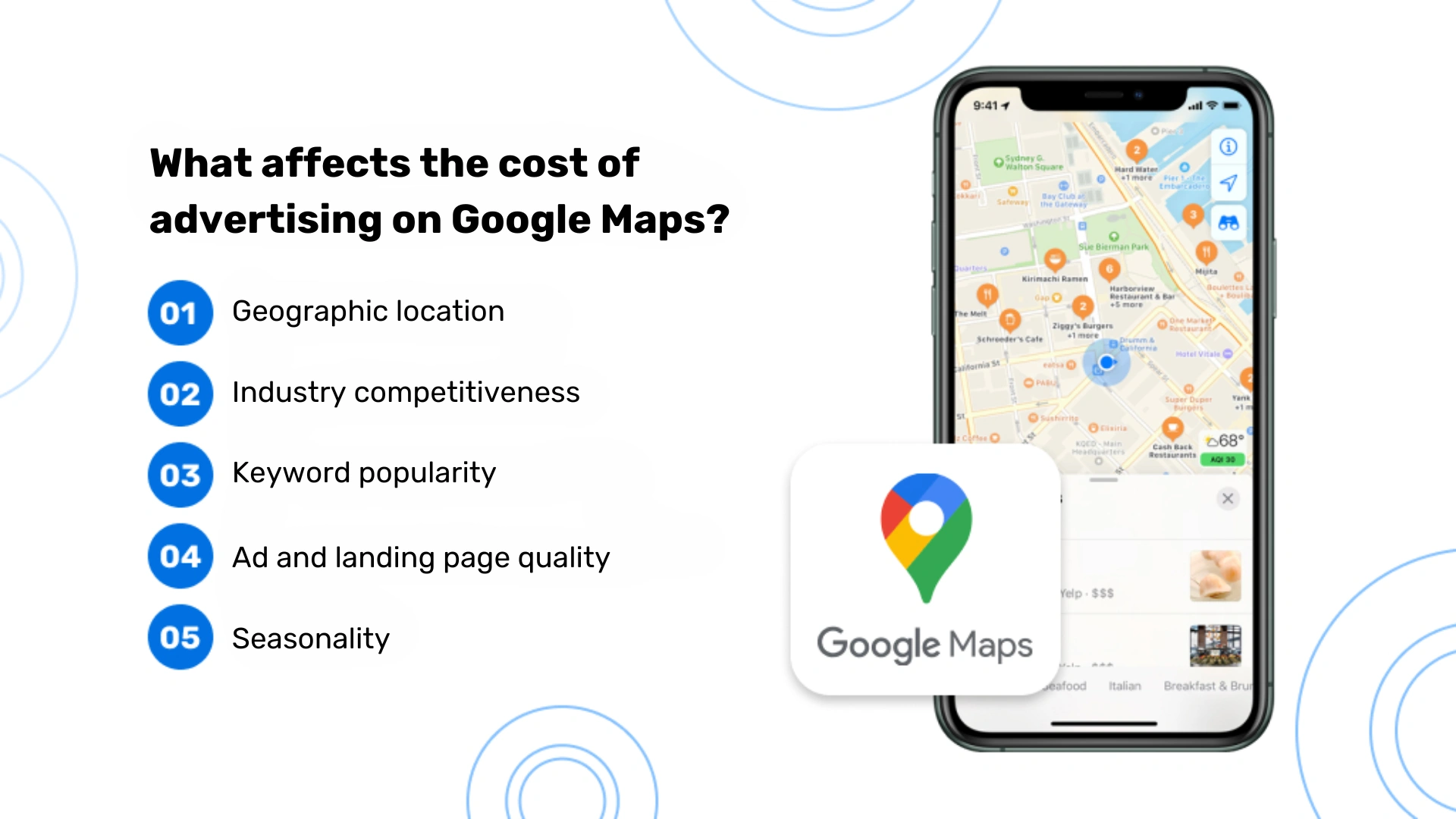
Geographic location
Location has a fundamental impact on advertising costs in Google Maps. What does that mean in practice? Ads in large cities and tourist areas tend to be more expensive due to the higher number of businesses competing within the same map area. For example, running ads for a restaurant in central Warsaw will most likely cost more than promoting a similar business in a small town.
Industry competition
Some industries are naturally more competitive than others, which directly translates into higher advertising costs. The most competitive sectors include finance and insurance, real estate, legal services, and healthcare. If your business operates in one of these areas, you will most likely need to allocate a higher budget, which will also increase your cost per click (CPC).
Keyword popularity
The choice of keywords has a direct impact on advertising costs. Broad and popular phrases such as “restaurant”, “hairdresser” or “hotel” are usually more expensive than more specific long-tail keywords. For example, the phrase “Italian restaurant in Łódź” may have a lower CPC than the general keyword “restaurant”.
Ad and landing page quality
Google evaluates both your ad and your landing page using what is known as Quality Score. A higher Quality Score can lead to lower costs per click and better ad positions. This score is influenced by how relevant your ad is to the user’s query, the expected click-through rate (CTR), and the overall quality of your landing page.
Seasonality
Advertising costs can change depending on the time of year. During periods of increased demand, such as holidays or peak travel seasons, many businesses raise their advertising budgets, which can lead to higher CPC rates. It’s worth taking seasonal trends into account when planning your budget.
How much does advertising on Google Maps cost? Keep in mind that the average cost per click can vary significantly depending on all of the factors listed above. What makes the difference in practice is continuous optimization and a flexible approach to managing your campaigns.
10 benefits of advertising on Google Maps
Still not sure if Google Maps ads are the right fit for your business? This is how we see it:
- Local visibility – your offer shows up right in front of potential customers exactly when they’re looking for products or services in your area.
- Precise targeting – you can reach people in a specific location who are actually interested in what you offer.
- Stand out on the map – your business is marked with a distinctive pin, which naturally draws attention.
- Reach mobile users – your ad is visible to people using Google Maps on their phones, which works especially well for local businesses.
- More visits or online contact – ads can effectively encourage people to visit your physical location or get in touch.
- Show key information – you can include important details in your ad, such as opening hours or photos.
- Build credibility – appearing in paid results can increase trust in your brand.
- Access to detailed data – you can track campaign performance and adjust your actions based on real results.
- Potential increase in website traffic – ads can direct users straight to your website.
- Faster response to customers – you can quickly respond to inquiries and reviews, building a positive brand image.
Remember to keep your Google Business Profile up to date and take care of customer reviews. From our experience, these are some of the most important factors when it comes to success in Google Maps.
Google Business Profile vs Google Maps ads
To wrap things up, here’s a simple comparison that helps you better understand the difference between having just a Google Business Profile and investing in Google Maps advertising.
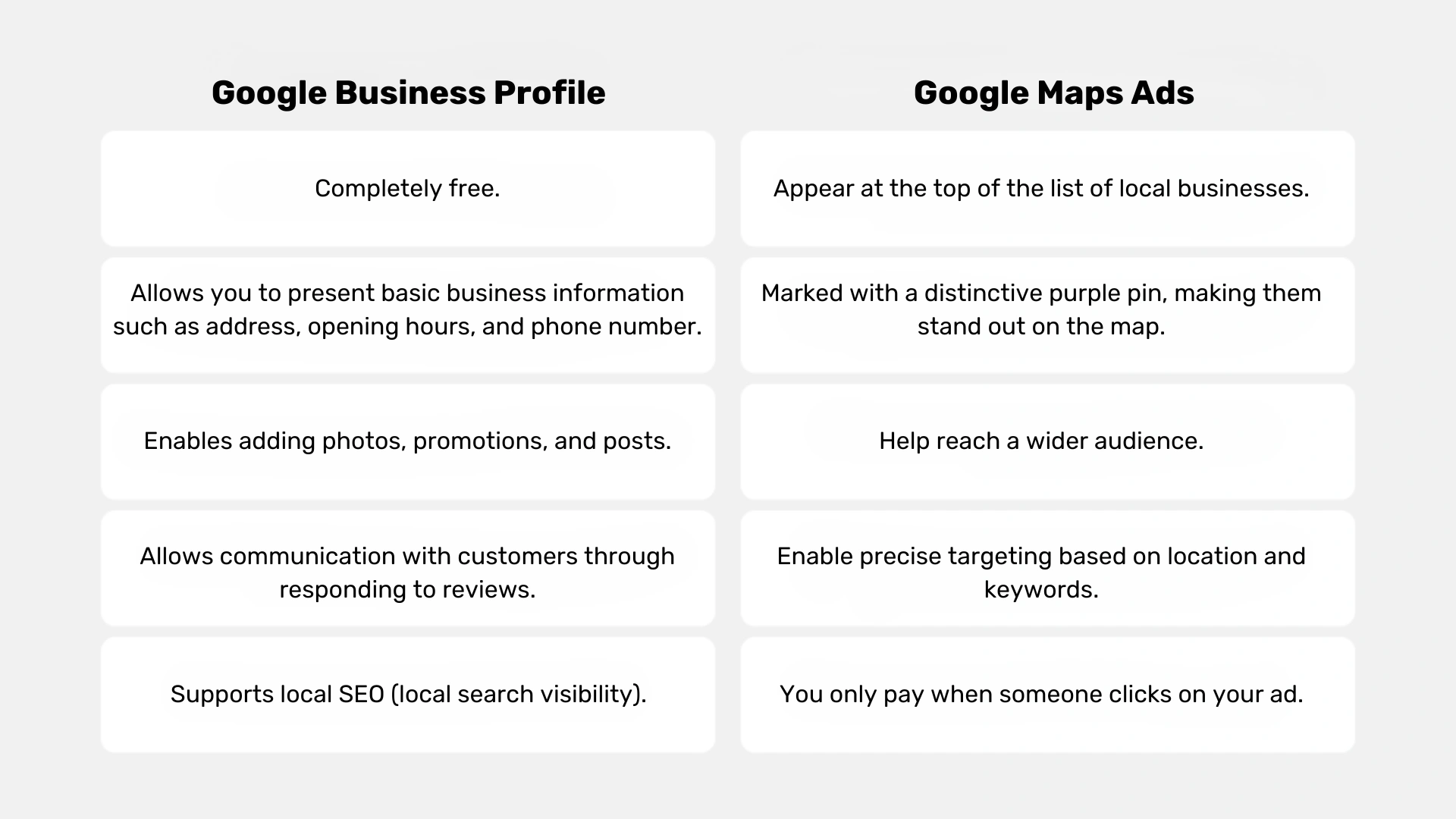
Google Business Profile:
- It’s completely free.
- Lets you present basic business information such as address, opening hours and phone number.
- Allows you to add photos, offers and posts.
- Enables communication with customers by responding to reviews.
- Supports local positioning in search results.
Google Maps ads:
- Appear at the top of the list of local businesses.
- Marked with a distinctive purple pin, which makes them stand out on the map.
- Allow you to reach a wider audience.
- Enable precise targeting based on location and keywords.
- You only pay when someone clicks on the ad.
Google Maps advertising with Rodin experts
Most people start looking for local businesses on Google Maps. That’s exactly why your presence there matters. It makes it easier for potential customers to find you, and gives you another opportunity to increase your sales and brand recognition.
It’s worth considering different options and thinking about your strategy, because working with specialists in Google Ads (including Google Maps) might simply be the right move for your business.
Working with us saves you time and resources. It also gives you confidence that your advertising budget is being used efficiently and brings measurable results.
By choosing Rodin, you get access to real know-how and support in getting the most out of your campaigns. Our team will help you build an advertising strategy that fits your business and your goals. Thanks to our experience, your ads reach people who are actually interested in what you offer. This leads to better conversion rates and a stronger return on investment.
We take care of your Google Business Profile. With our support, your business can stand out in Google Maps search results.
FAQ – Google Maps advertising
There’s no single, clear answer to how much Google Maps advertising costs, because pricing can vary widely depending on your industry, location, and competition. Most businesses use a PPC advertising model, meaning you pay per click (cost per click / CPC).
In practice, Google Ads costs can range from a few cents to several euros per click. Your total ad spend depends on your daily budget, maximum bid, and how competitive your business category is. For a typical SMB, a monthly budget might start from €100–€500, but many businesses spend significantly more to reach more local customers.
Google Maps ads operate within the Google Ads auction system. Every time someone searches in Google Maps or search results, Google runs an auction where advertisers compete for ad placement.
Your ad rank is determined by:
- your maximum bid,
- quality score,
- expected click through rate,
- landing page experience.
This means you don’t always need to pay more money to get a higher position, better, high quality ads can actually lower your CPC.
Several important aspects have the biggest influence on your Google Ads pricing:
- geographic areas (large cities = higher costs),
- high competition in your industry,
- keyword selection (expensive keywords vs long tail keywords),
- quality score and ad copy,
- landing page experience.
If many businesses are targeting the same keywords, the auction system drives prices up. That’s why strategy matters more than just budget.
Your Google Ads budget should match your business goals and market. For most local businesses, a good starting point is:
- daily budget: €5–€20,
- average daily budget: €10–€30,
- monthly budget: €150–€900.
This allows you to test campaigns, gather data, and optimize your PPC campaign. Over time, you can scale your ad budget based on performance and your budget report.
Yes, one of the biggest advantages of running Google Ads is full control over your ad spend.
You can set:
- daily ad budget,
- monthly spending limit,
- ad scheduling (days and hours),
- device targeting,
- geo targeting.
This makes it easier to avoid overspending and adjust your ads costs based on performance.
Google Maps ads and search ads serve slightly different purposes, but work best together.
- Google Maps ads – great for local customers and local search ads;
- search ads – better for broader intent and national reach.
For most businesses, combining Google Ads campaigns across Maps and search results makes the most sense. You can also integrate other Google Ads formats like Google Shopping or other Google Ads placements.
To achieve lower CPC and reduce ads costs, focus on:
- using long tail keywords instead of expensive keywords,
- improving your quality score,
- writing better ad copy,
- optimizing your landing page experience,
- using tools like Google Keyword Planner.
Higher quality scores usually lead to lower costs and better ad rank, even in competitive industries.
Yes, a verified Google Business Profile (formerly Google Maps listing) is required to run Google Maps ads.
Your business profile provides:
- business information (address, phone, hours);
- visibility in Google Maps;
- access to local customers and potential clients;
- ability to generate phone calls directly from ads.
Without a properly optimized business stand in Google Maps, your campaigns won’t perform as effectively.